Bluefin
Upstream README · Artwork source · Artwork license · QA verification run
Bluefin built on GNOME OS, assembled entirely from source.


Alpha — filing issues is the whole point.
Built-in feedback loop
Dakota doesn't eat tickets, it treats them as evidence.
Every user running Dakota is part of a structured loop that flows directly back into upstream GNOME, freedesktop, and the kernel. When something breaks on your hardware, you have three commands:
| Command | What it does |
|---|---|
ujust report | Captures your system state and opens a pre-filled issue. One command instead of a wall of "please attach logs." |
ujust confirm <issue> | Tells the team your hardware hits the same bug. Adds a hardware fingerprint to the issue — no duplicate filing. |
ujust verify <issue> | After a fix ships in a nightly, confirms it works on your machine. Closes the loop with evidence. |
No telemetry. No phone-home. Every report is reviewed by you before it leaves your machine, lives in a gist you own, and can be deleted anytime.
When three users independently run ujust verify on a fix, that issue closes with real confidence — not just "we think this is fixed."
The hardware layer
Each Dakota installation is designed to run as a hardware diagnostic lab for itself. When will you find your first?
Read the full feedback loop design
The research behind it
Dakota is human driven with contribution workflows for agents, so if you have tokens to donate, ask it to review issues or PRs, it's useful! The humans make the final decisions. We coordinate this project via a tool called Hive from Kubestellar, a CNCF Sandbox project.
Dakota's feedback loop model is grounded in Andy Anderson's work on autonomous AI-assisted software development. The core finding: the intelligence of a system like this lives not in any single model, but in the infrastructure of instructions, tests, metrics, and feedback loops surrounding it.
- The AI Codebase Maturity Model — the arxiv paper
- When AI agents become contributors — CNCF blog
- Beyond prompting: How KubeStellar reached 81% PR acceptance — The New Stack
- KubeStellar Hive — the reference implementation Dakota draws from
Help shape what gets built
Architects and designers — these features and epics need your input before any code is written. Design decisions, tradeoffs, and priorities:
Open issues needing triage →
Leave a comment, challenge the design, propose alternatives. When an issue reaches consensus a maintainer marks it with /triage accepted.
Engineers — these issues have clear acceptance criteria and no open design questions. Pick one up and build it:
Triage-accepted queue →
Assign yourself with /assign. See docs/workflow.md for the contributor workflow.
Image streams
| Tag | Stream | What it is |
|---|---|---|
:stable | Stable | GNOME 50 — production. On-demand promotion from :testing via just release --apply. |
:testing | Dev | GNOME 50 — daily builds from testing branch. Boot-check gated. |
:next | Paused | GNOME master. Paused until the next GNOME beta; receives no updates. |
:btw | Paused | Alias for :next. |
:next / :btw is paused until the next GNOME beta and no longer receives updates, including security fixes. If you are on it, switch to :testing. Moving from GNOME master back to the current release is a downgrade, so some settings or app data written by the newer GNOME may not carry over.
sudo bootc switch ghcr.io/projectbluefin/dakota:testing
Secure Boot
Dakota supports Secure Boot. It's optional and takes a few minutes to set up:
- Run
ujust enroll-secure-boot-keyand reboot. - On the blue screen that appears, choose Enroll MOK, Continue, Yes, type the password
dakota, then Reboot. - Turn on Secure Boot in your firmware settings. Some laptops (Lenovo, Surface) also need an option like "Allow Microsoft 3rd party UEFI CA" turned on.
Run ujust secure-boot-status to see what is set up, or ujust check-anticheat to see whether your system meets Easy Anti-Cheat's requirements.
If your disk unlocks with the TPM, it keeps doing so through these steps. If a firmware update or a change to your Secure Boot settings later makes it ask for your disk passphrase, enter it and run ujust reseal-tpm-unlock.
Whether or not you use Secure Boot, Dakota keeps the kernel locked down, so hibernation is not available (suspend works) and kernel modules you build yourself won't load.
Secure Boot has always been on the roadmap, and the extra kernel protections also get Dakota ready for Epic's Easy Anti-Cheat for Linux v2 once it's available.
ISO Download
dakota-live-latest.iso · Checksum
Known gaps
- Installation path is still being worked on
- Upgrades and rollbacks need more hardening
See the open issues for where things stand.
Contributing or building from source
See AGENTS.md for the full contributor workflow, build instructions, and PR checklist.
Gaming streams
The game mode images add the Open Gaming Collective kernel (sched_ext, ntsync), Steam with 32-bit compatibility libraries and controller udev rules, gamescope and the Steam Big Picture gamescope session, GameMode / MangoHud / vkBasalt, InputPlumber, and first-boot Flathub installs of Lutris, Heroic, Bottles, ProtonPlus, Protontricks, and GOverlay. The dakota:btw alias is also offered for the gaming kernel stream.
| Image | Stream | Command |
|---|---|---|
| Gaming | Stable | sudo bootc switch ghcr.io/projectbluefin/dakota-gaming:stable |
| Gaming | Testing | sudo bootc switch ghcr.io/projectbluefin/dakota-gaming:testing |
| NVIDIA Gaming | Stable | sudo bootc switch ghcr.io/projectbluefin/dakota-nvidia-gaming:stable |
| NVIDIA Gaming | Testing | sudo bootc switch ghcr.io/projectbluefin/dakota-nvidia-gaming:testing |
Downloads & Image Versions
DAKOTA Testing ISO
RecommendedCurrent automated testing build for verification and hardware testing.


Usage
Systems active per day.
Bluefin Dakota :stable: accumulating dataBluefin Dakota :testing: accumulating dataBluefin Dakota :unknown: accumulating data
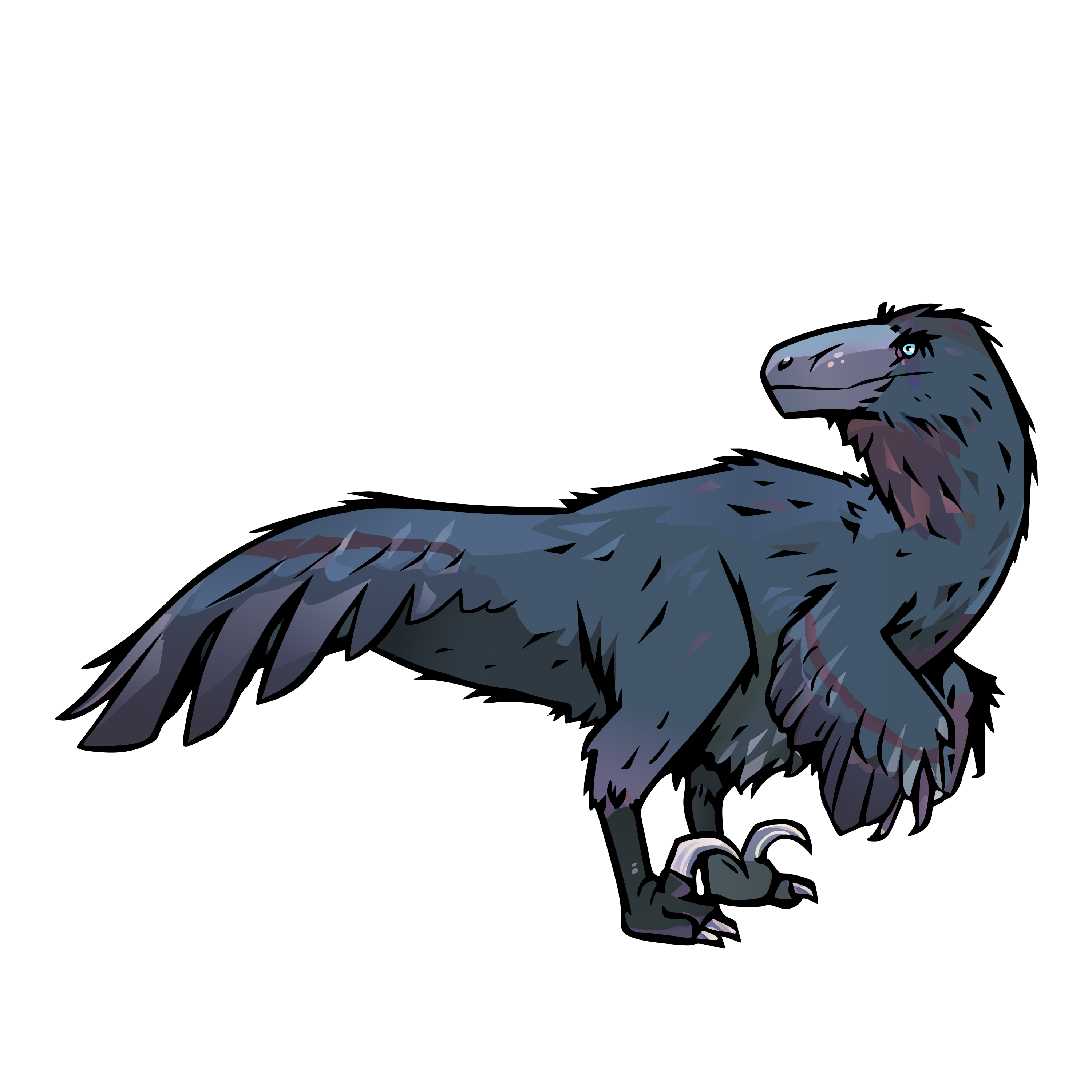
No raptors reporting in, life finds a way
Release Assets & Attestations
sudo bootc switch --enforce-container-sigpolicy ghcr.io/projectbluefin/dakota:stable
sudo bootc switch --enforce-container-sigpolicy ghcr.io/projectbluefin/dakota:stable
sudo bootc switch --enforce-container-sigpolicy ghcr.io/projectbluefin/dakota:stable
sudo bootc switch --enforce-container-sigpolicy ghcr.io/projectbluefin/dakota:stable
sudo bootc switch --enforce-container-sigpolicy ghcr.io/projectbluefin/dakota:stable
sudo bootc switch --enforce-container-sigpolicy ghcr.io/projectbluefin/dakota:stable
sudo bootc switch --enforce-container-sigpolicy ghcr.io/projectbluefin/dakota:stable
sudo bootc switch --enforce-container-sigpolicy ghcr.io/projectbluefin/dakota:stable
