Bluefin Spring 2026: Part of a Growing Ecosystem

Part 2 of 4
- Bluefin Spring 2026: Fedora 44
- Bluefin Spring 2026: Part of a Growing Ecosystemyou are here
- The Dinosaur and the Hummingbird
- Making Our Own Fate: Dakota Alpha 2
So many good things ...
Today we'll be talking about the software we love to ship in Bluefin.
Bazaar
Bazaar is the application store on Bluefin systems. It is designed to bring the best of Flathub to your fingertips, with a focus on directly supporting application authors. It accomplishes this by focusing on highlighting donations to app authors and ensuring that you get those applications as soon as they are released upstream. No jank.
We're proud to ship this as our app store. Flathub has over 1 billion downloads and 21% Year over Year growth. Nice.
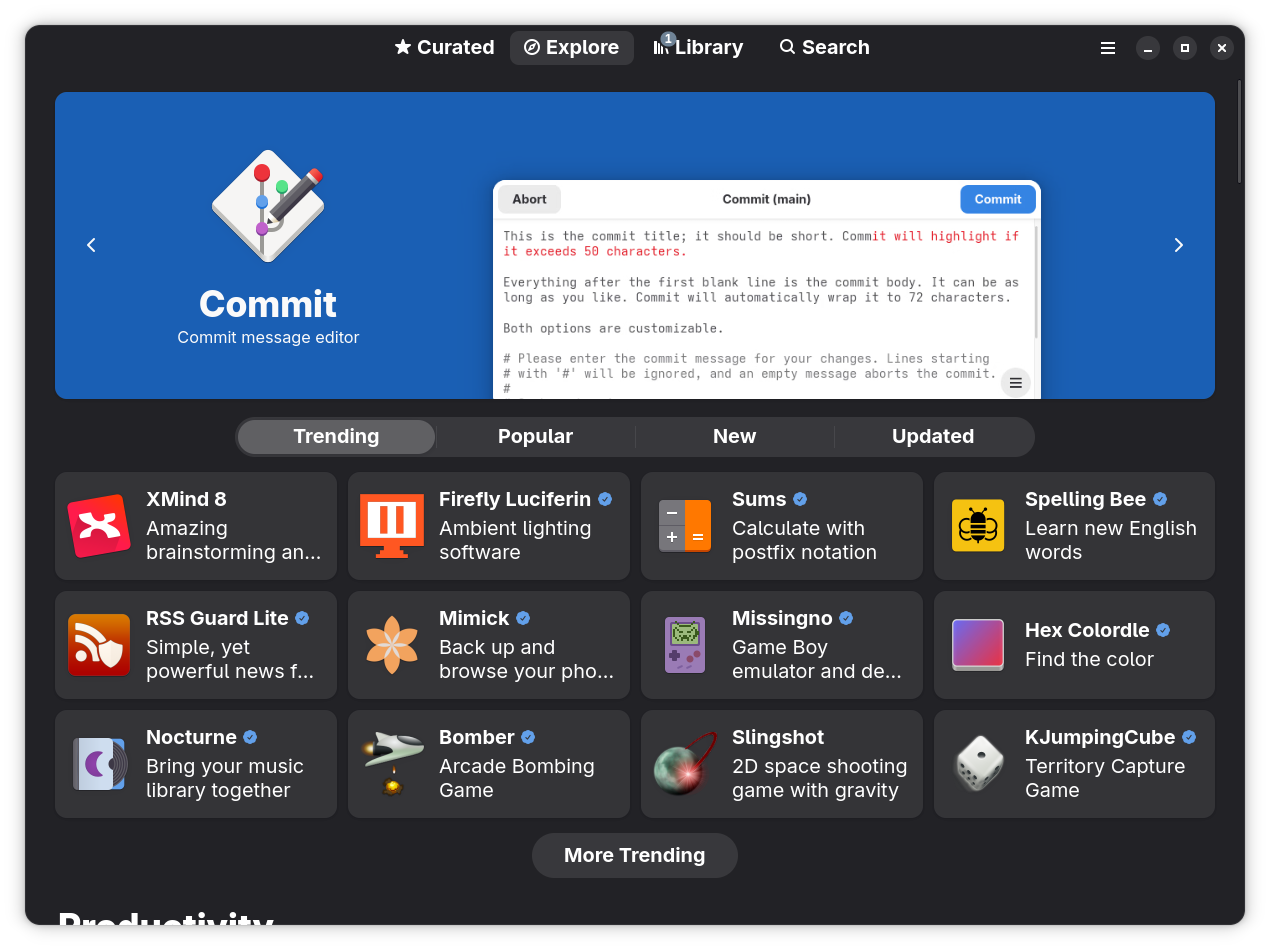
We can't get there from here without a working delivery platform — please donate to Bazaar. Built by @kolunmi and @AlexanderVanhee.
Homebrew Applications
The ublue-os/tap is the production Homebrew tap for Bluefin - a curated collection of software packaged to work great on all Linuxes. Run ujust bbrew to open the interactive browser and install anything from the tap in a few keystrokes. Here are the highlights of apps added over the last cycle:
Editors and IDEs
 Visual Studio Code — Microsoft's open-source code editor. You can now install this without needing to use a DX image
 VS Code Insiders — The daily preview build of VS Code with the newest features.
 VSCodium — VS Code binaries built without Microsoft telemetry or branding.
 JetBrains Toolbox — Install, update, and manage every JetBrains IDE from one app. This installs Jetbrains into your home directory as intended by Jetbrains.
System Tools
 framework-tool — Official CLI for Framework laptop hardware: fan control, battery charge limits, charge LED mode, input module configuration, and firmware update checks.
 heic-to-dynamic-gnome-wallpaper — Convert macOS HEIC dynamic wallpapers into GNOME XML dynamic wallpapers that change with the time of day.
 pmbootstrap — The sophisticated chroot/build/flash tool for postmarketOS development and porting Linux to mobile devices.
 asusctl — CLI and daemon for ASUS hardware: fan curves, battery charge limits, keyboard LEDs, GPU mode switching, and more.
 ROG Control Center — GUI front-end for asusctl, providing a graphical interface for all ASUS ROG hardware controls.
The operating system usage is also interesting. One of the reasons we picked homebrew was to be in the same group as everyone else. It's also nice to know that we're helping represent Linux:
Browse the full tap on GitHub →
Bluespeed
Bluespeed is our catch all term for agent-centric tooling in Bluefin. It is a play on RHEL Lightspeed, Red Hat's tooling in this area. We continue to collaborate with the team and ship their tooling, such as linux-mcp-server. Bluefin ships a full cloud and AI native development platform ready to go. We default to a "Bring your own LLM" approach, with a focus on pushing towards an all-local opt-in approach for system troubleshooting.
Our flagship tool is Goose from the Agentic AI Foundation, which serves as our "portal" to other tooling. We recommend using the ramalama tool for model management. This features full GPU acceleration for NVIDIA and AMD GPUs to work with local models out of the box. Models and drivers are kept in containers for flexibility. It's an awesome set up, give it a shot!
Agents and Tools
Run ujust bbrew to install any of these:
 Goose — The primary AI agent in Bluefin, from the Agentic AI Foundation (AAIF). Open source, extensible AI agent that goes beyond code suggestions.
 LM Studio — Discover, download, and run local LLMs.
 Antigravity — AI Coding Agent IDE.
 Cursor — Write, edit, and chat about your code with AI.
 Craft Agents — Work with most powerful agents in the world, with the UX they deserve.
 OpenCode Desktop — Open source AI coding agent desktop client.
 Emdash — Agentic development environment for running multiple coding agents in parallel.
 Ramalama — Goal of RamaLama is to make working with AI boring.
- Alpaca — A graphical LLM chat interface available as a Flatpak. Launch it instantly from anywhere with
Ctrl+Alt+Backspace.
Agent CLI Tools
Choose the ai menu in ujust bbrew to browse the full set of AI CLI tools:
| Tool | Description |
|---|---|
| aichat | All-in-one AI-Powered CLI Chat & Copilot |
| block-goose-cli | Open source, extensible AI agent that goes beyond code suggestions |
| claude-code | Terminal-based AI coding assistant |
| codex | OpenAI's coding agent that runs in your terminal |
| copilot-cli | Brings the power of Copilot coding agent directly to your terminal |
| crush | A powerful terminal-based AI assistant for developers, providing intelligent coding assistance directly in your terminal. |
| gemini-cli | Interact with Google Gemini AI models from the command-line |
| Jan | Offline AI chat tool |
| kimi-cli | CLI agent for MoonshotAI Kimi platform |
| llm | Access large language models from the command-line |
| llmfit | Find what models run on your hardware |
| mistral-vibe | Minimal CLI coding agent |
| opencode | AI coding agent, built for the terminal |
| qwen-code | AI-powered command-line workflow tool for developers |
| whisper-cpp | Port of OpenAI's Whisper model in C/C++ |
Ask Bluefin (Alpha)
Ask Bluefin is a natural-language system assistant that can diagnose, explain, and help troubleshoot your machine using our community's data. You can hit it up on the website, the dedicated discussion forum, the soon-to-come shortcut in the menu, and the soon-to-come Discord app.
Ask is done in partnership with Dosu - here's the gist. Ask Bluefin is trained on all of the documentation and source code for all of the tooling in Bluefin, Bluefin's source code, issues, documentation, and discussions. Podman, bootc, vscode, systemd, etc. Everything on your system. AND THAT'S IT. It is only trained on the code and docs. The results are usually much better than a generic LLM, and light years ahead of Linux subreddits. (That's not a high bar, but let's have some goals). I have it write service units for me, because the era of writing these by hand is now almost over.
Dosu also runs an MCP server if you want to connect your clients to it or work on apps that can index our community's collective knowledge.
Troubleshooting (Alpha)
Proprietary operating systems are falling over each other trying to implement the worst possible anti-privacy features with AI. Of course they are, it's the nature of the beast. We take a different approach. If someone's going to invent this thing, then we're going to use it for good. Our first stab at this is to use it for a more natural goal - fix broken computers. (Computers are awful)
linux-mcp-server is an MCP server that gives any AI agent live read only access to your system: OS info, processes, services, logs, network, and filesystem. When connected to Goose it gives your LLM access to the following features:
- "Bring Your Own LLM" — use it with a local Ramalama model for fully offline diagnostics, or connect to a hosted API for more capable reasoning — same data, your choice. Current this works best with paid frontier models, but also has been working great with the cheaper "fast models". Our team continues to experiment with the latest local models. Our final goal is for your computer to be able to diagnose itself with 100% local workflows on open weight models. Kyle Rankin in particular is going hard on this and has been making some incredible progress. It's only a matter of time, open always wins.
- Natural language diagnostics — Ask questions like "why is my fan running loud?" or "what process is eating my RAM?" and get real answers grounded in your actual current system state
- Works with any MCP-compatible agent — Goose, OpenCode, and any client that supports the Model Context Protocol can connect to
linux-mcp-serverand get the same system access - (Optional, requires setup) Bluefin knowledge base built in — Dosu integration means the assistant already knows the Bluefin documentation, common issues, and community-reported workarounds.
I became a fan when on a trip to the Southern California Linux Expo. My computer was acting weird. I had the tool diagnose the problem, ends up we had made an error in our swap config for Bluefin LTS. It confirmed the issue, and then linked me to the existing issue that someone had reported a few hours before. Clanker + Human confirmation found the issue. We rolled out a fix. I am never going to diagnose a Linux machine by hand ever again.
New Art
My favorite part of Bluefin, the artwork! I'd like to thank the two new major donors who are funding two new future Bluefin renditions. The future is bright for more art!
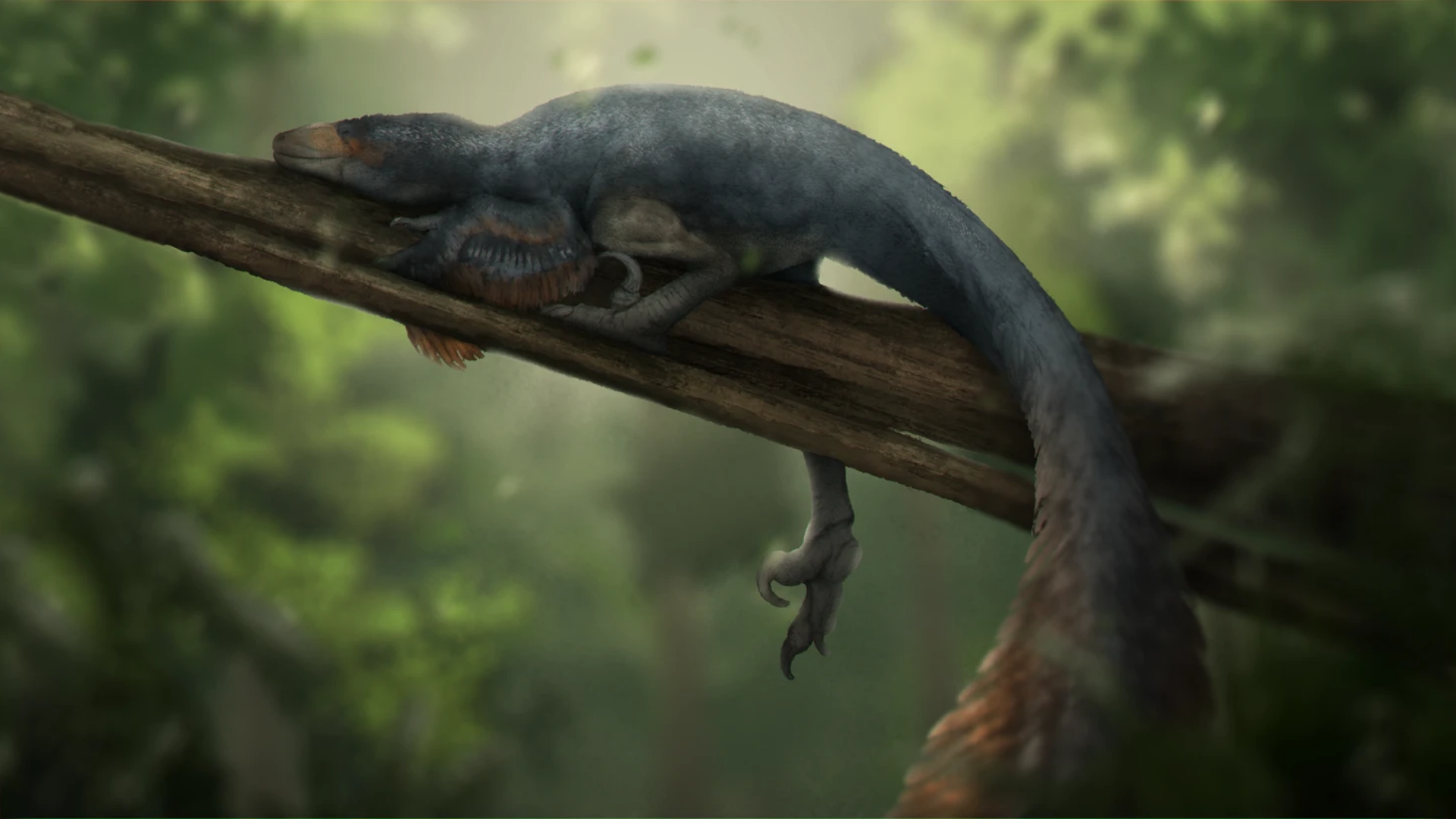
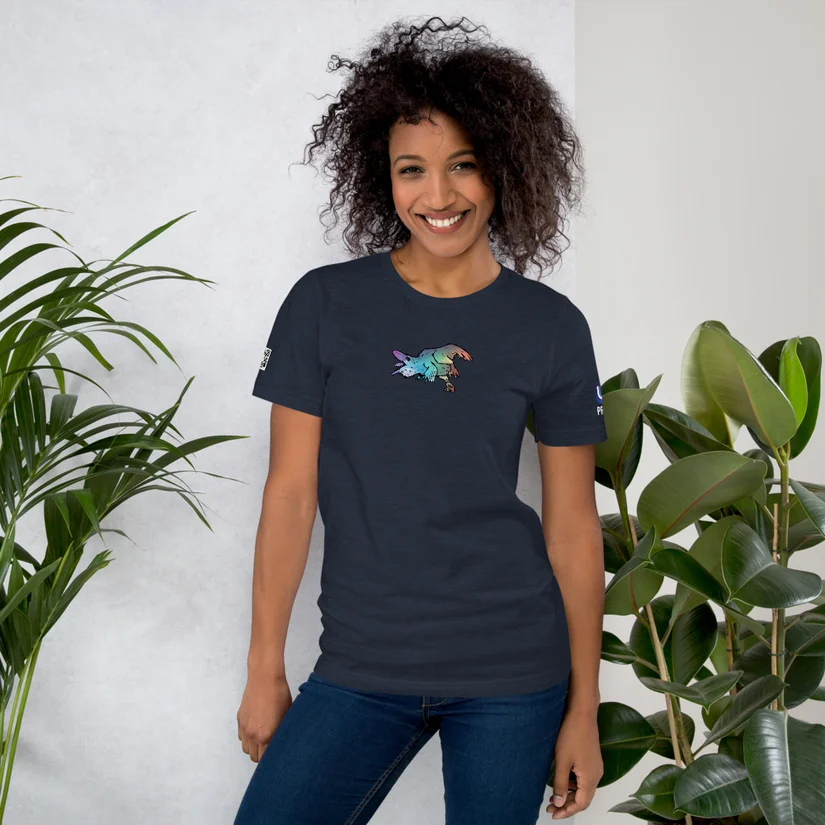
Jay joins the prestiguous list of paleoartists to render Bluefin. Jay is a London-based science communicator, paleoartist, and television producer — her credits include Earth, Walking with Dinosaurs, and Evolution.
Bluefin was first modelled in Blender, similar to the technique used in Walking With Dinosaurs, before the finishing work added the feathers. This is so cool! Dinosaurs are typically portrayed as blood thirsty killers murdering constantly. But like real animals there are plenty of times when all you want to do is lay down. This rendition of Bluefin reflects a more chill day, a full belly, and no worries.
You can follow her on Bluesky and Instagram.
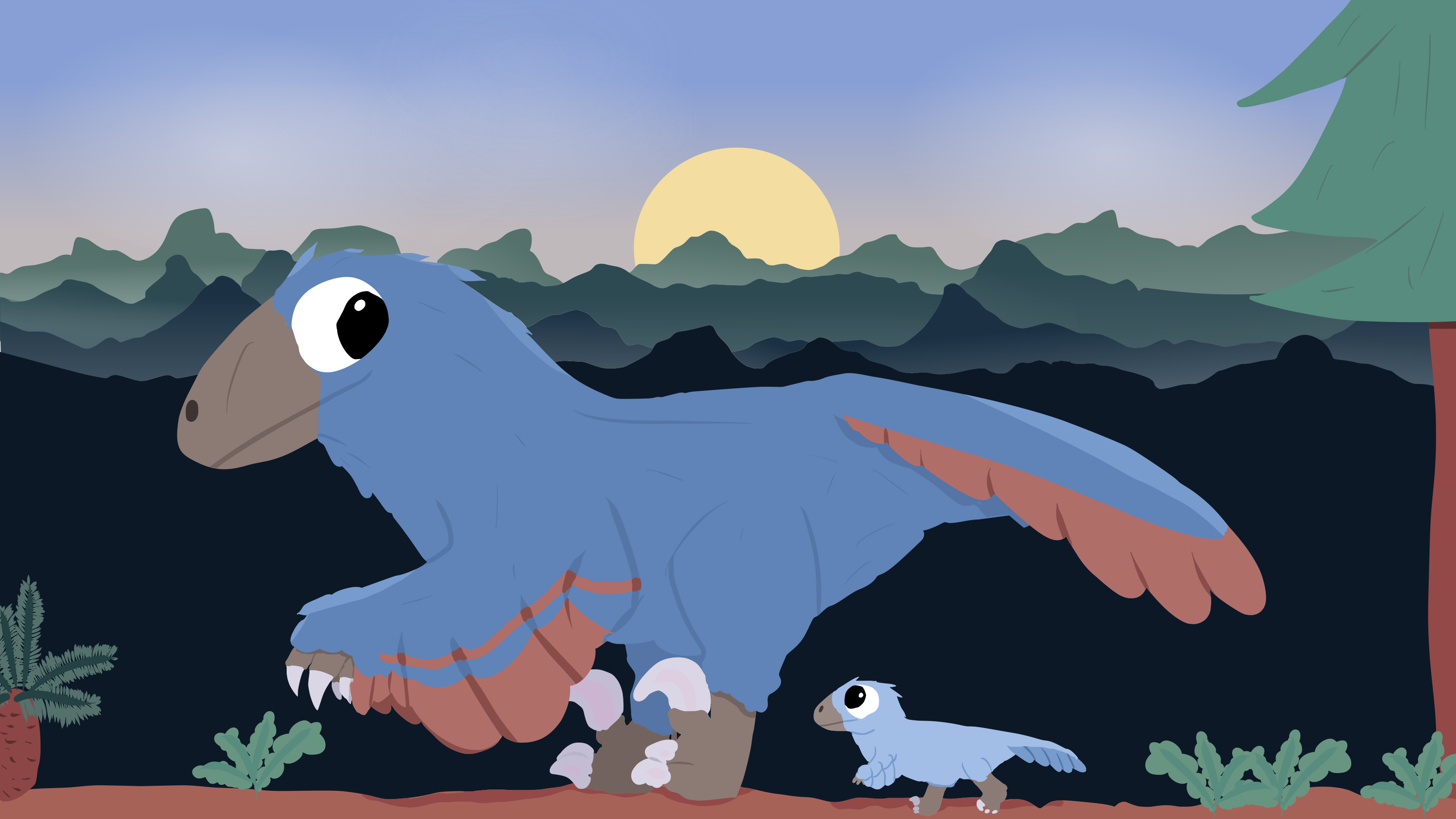
by Amy
Sunrise is an older wallpaper from Amy that we failed to ship and announce. Sorry about that Amy!
Sunrise is now available for those of you that prefer your Bluefin smol.
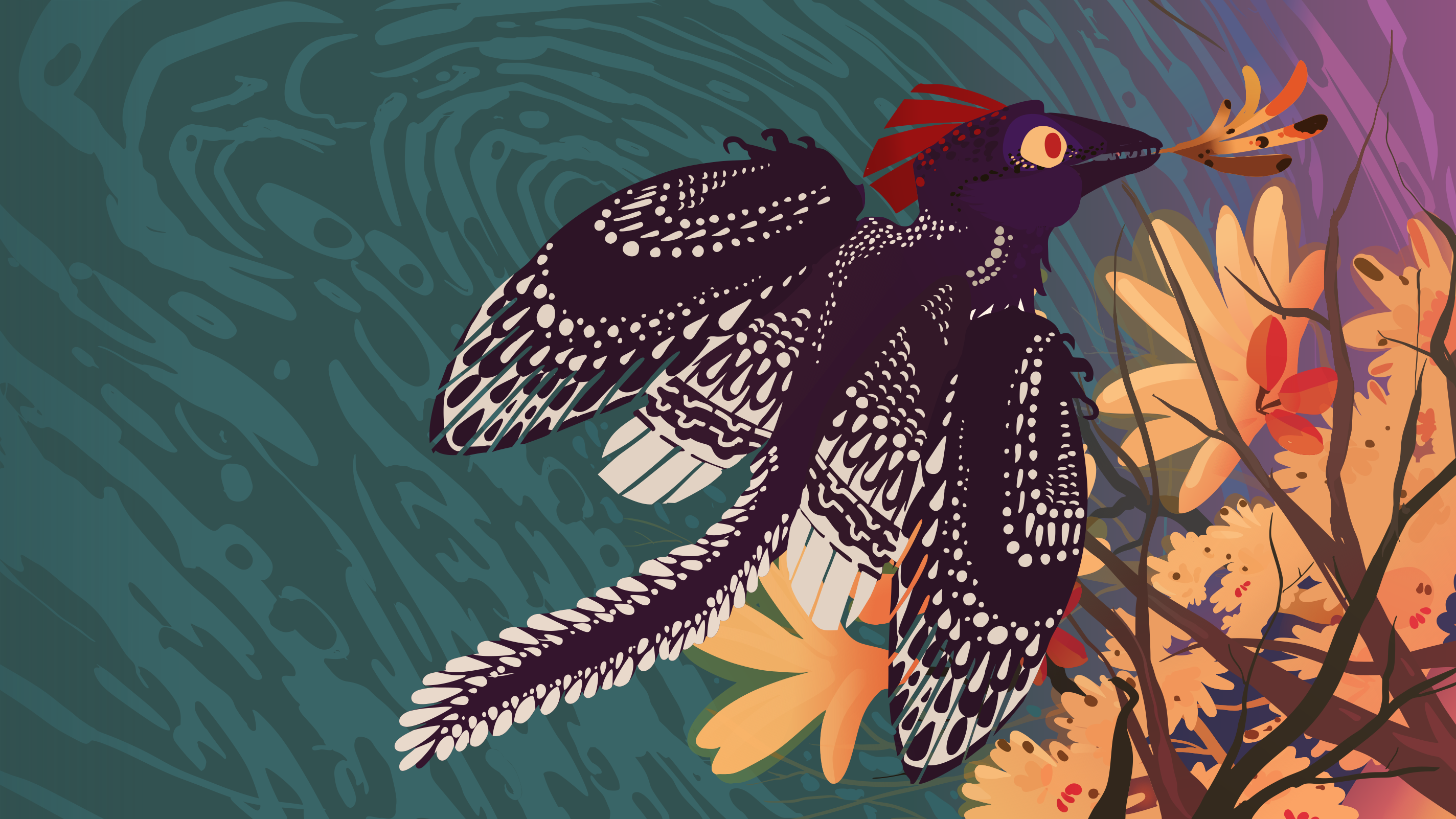
by Dr. Natalia Jagielska and Delphic Melody
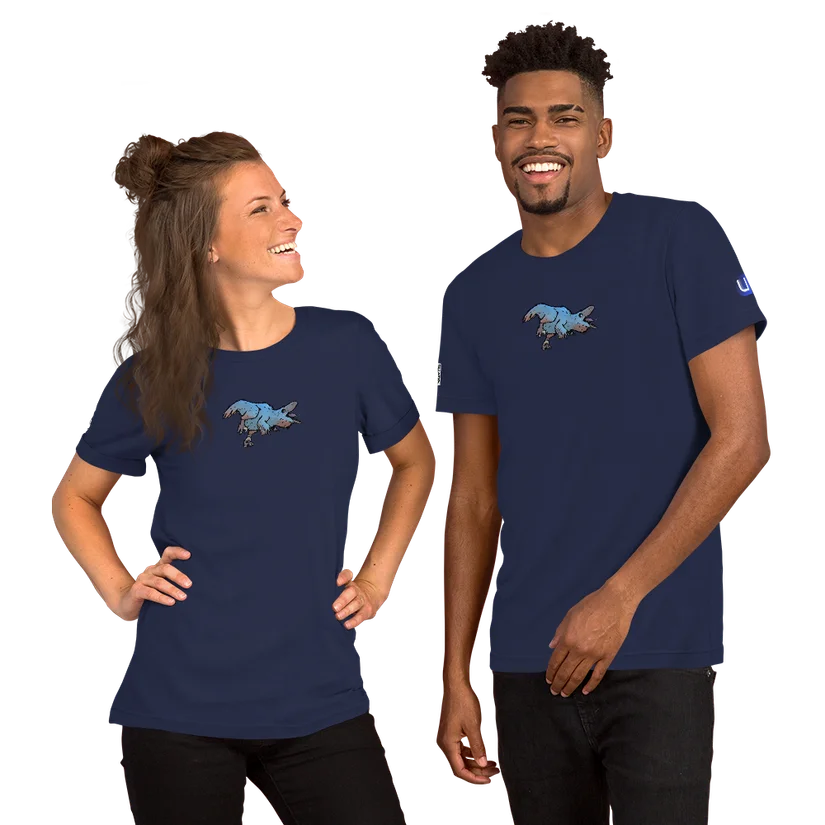
Did you know birds once had teeth? Crazy I know. This is another banger from Dr J and Delphic. Delphic has painstainkingly vectorized the original artwork so that we can enjoy this artwork on any size monitor.
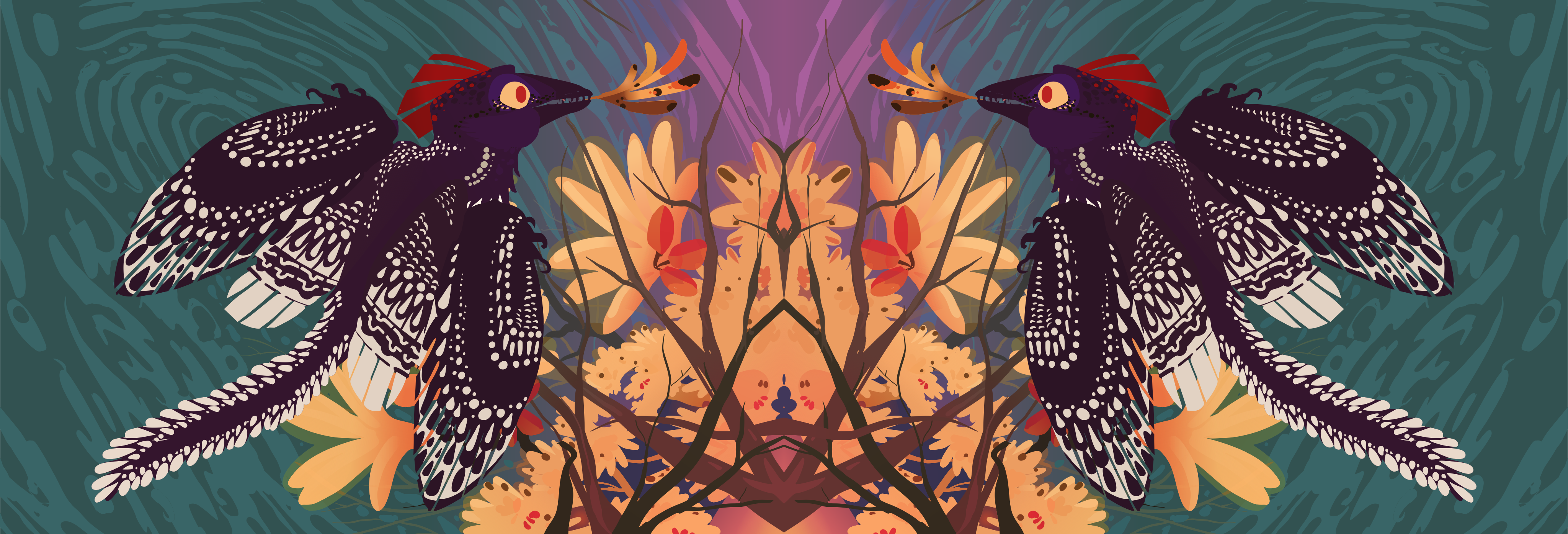
by Dr. Natalia Jagielska and Delphic Melody
Duality is a modified Leaf Collector designed for ultra wide monitors. It looks spectacular on 21:9 monitors.
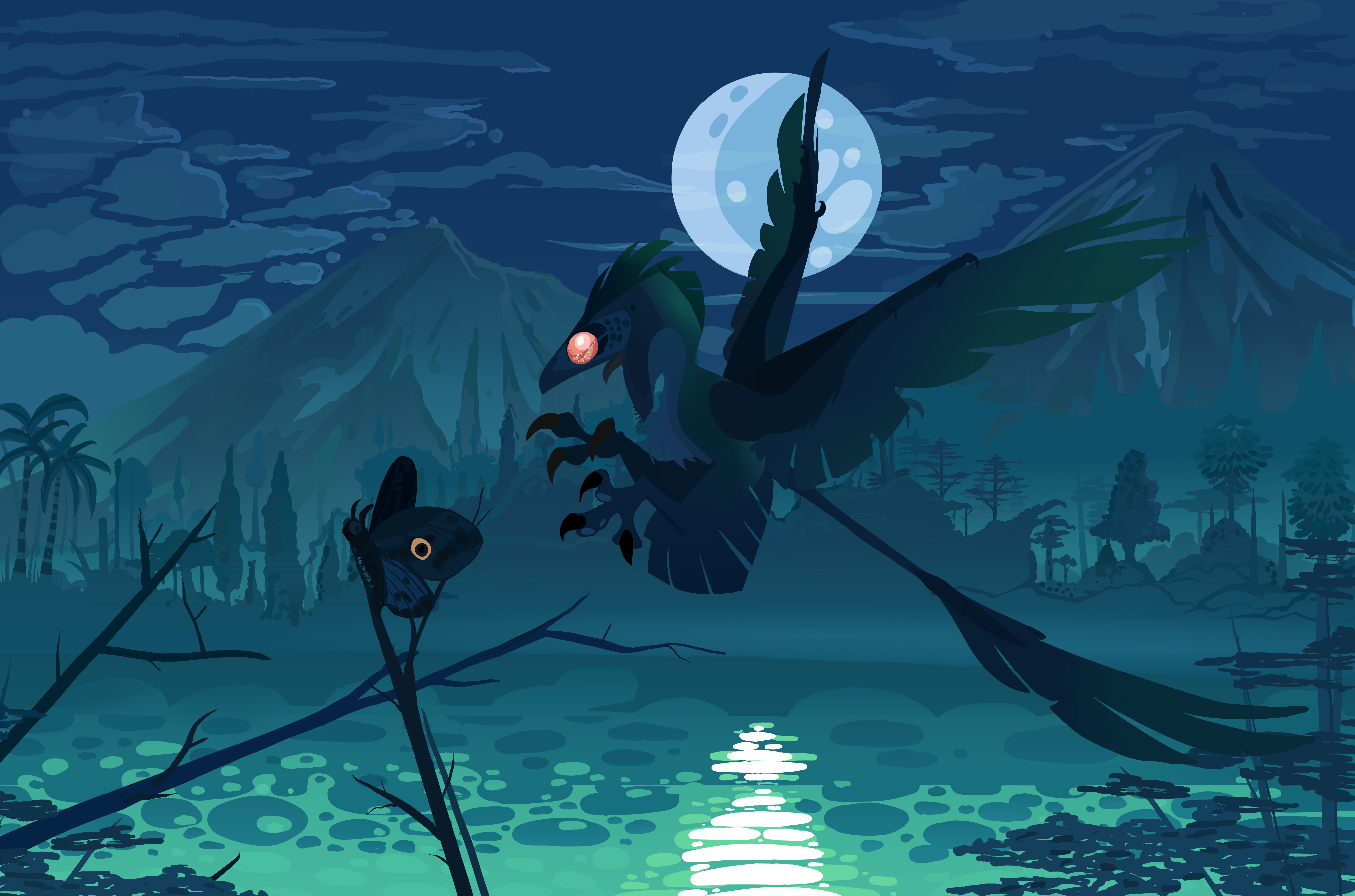
by Dr. Natalia Jagielska and Delphic Melody
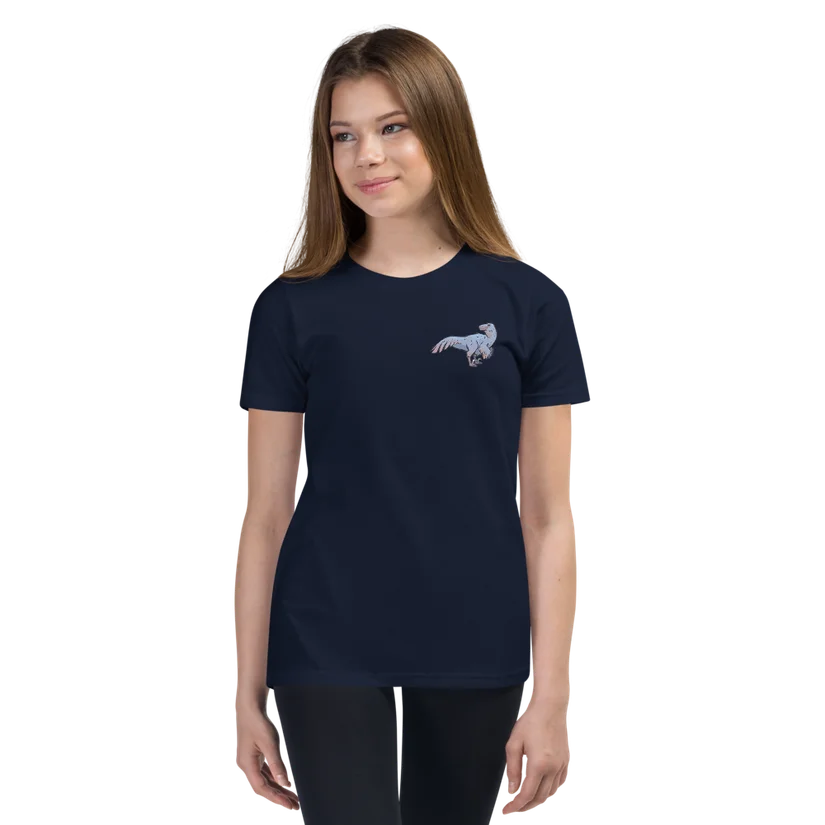
Our last wallpaper from Dr. J is one of my favorites. It features a microraptor hunting a poor butterfly. Did she catch it? We'll leave that interpretation up to you.
Install the Wallpapers
The default wallpapers ship automatically with Bluefin. The extra collection (Leaf Collector, Duality, Eyes, Lazy Days) is available via Homebrew:
brew install --cask ublue-os/tap/bluefin-wallpapers-extra
Wallpaper Packs
Extra wallpaper collections for every variant — install the ones that match your image. You only need the first one if you're not on Bluefin:
brew install --cask ublue-os/tap/bluefin-wallpapers
brew install --cask ublue-os/tap/bluefin-wallpapers-extra
brew install --cask ublue-os/tap/aurora-wallpapers
brew install --cask ublue-os/tap/bazzite-wallpapers
brew install --cask ublue-os/tap/framework-wallpapers
Documentation Improvements
We've been working pretty hard this cycle on the docs. Specifically around getting more information of what's in Bluefin so that we can be more transparent about what we ship:
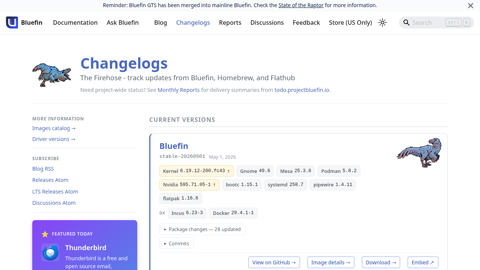
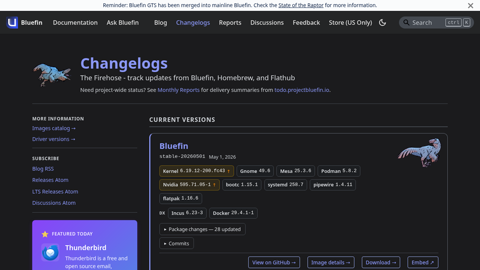
Automated weekly changelogs for every image stream
This page will show you all of the versions and releases of every Bluefin. It is automatically generated from Bluefin's Software Bill of Materials (SBOM), so it will always show you what's on the image. This took way more work than we realized, but thanks to awesome tools such as <a href="https://oras.land">oras</a> and <a href="https://github.com/sigstore/cosign">cosign</a> we now have a nice way to show you what's in Bluefin. We also include the updates from the default homebrew and flatpaks shipped in Bluefin for convenience.
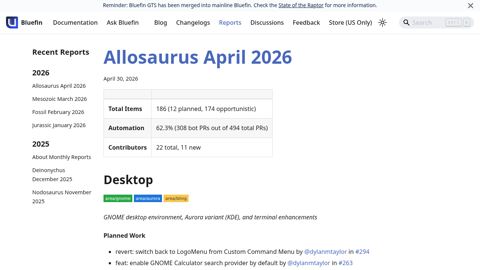
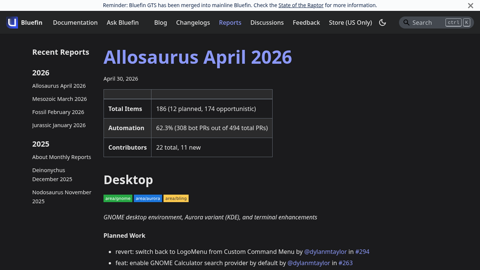
What's going on?
This page aggregates all of the work from the volunteers that are landing in Bluefin. This report is generated monthly and features all of the contributors who work on Bluefin. My favorite feature is it highlights people's first contribution as a milestone. Welcome aboard, Guardian.
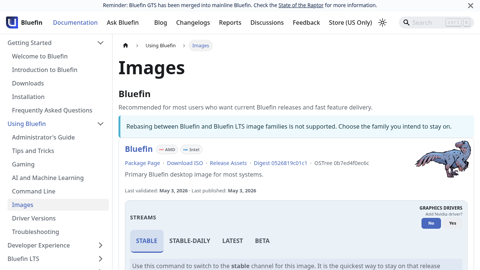
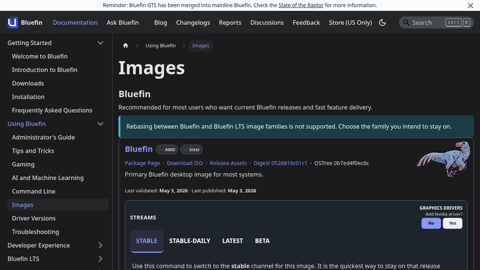
Full matrix of available image variants
This page is a reference of all of the images we publish, and features rebase instructions if you need them. This includes the testing branches of every image (if they exist), as well as the Nvidia images.
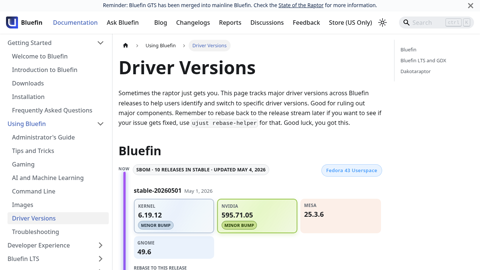
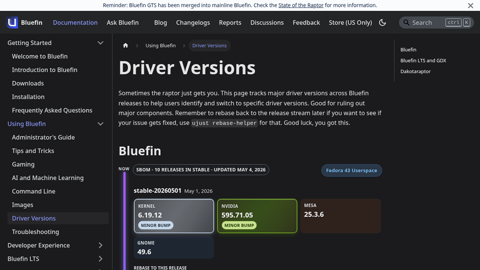
GPU driver version tracker across streams
Ever update and get a regression? When was the last kernel update? When was the last time Uncle Jensen left us an unexpected gift? This page shows a matrix of major component version bumps so you can quickly see what updated when so you can at least make a better guess as to what past image you should rebase to. This page is clutch for troubleshooting.
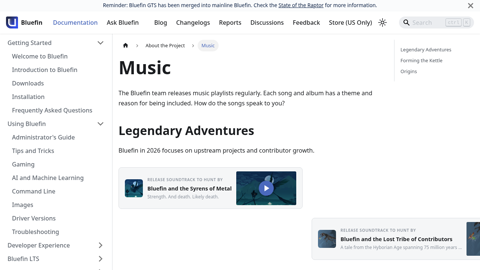
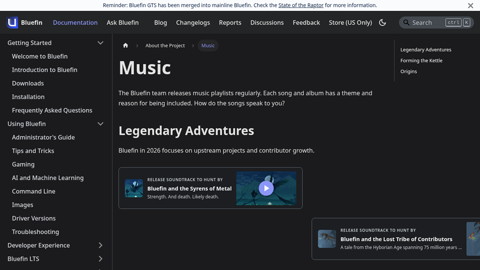
Metal, Mayhem, and Melancholy
Every release ships with a curated soundtrack highlighting Bluefin's cloud native journey. The music page archives every playlist we have released, with notes on the artists and the vibe we were going for.
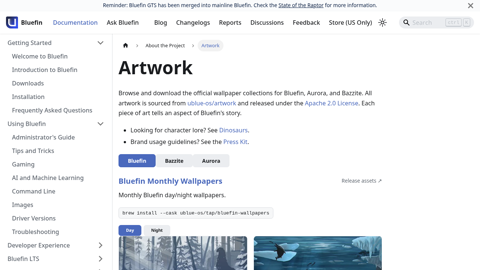
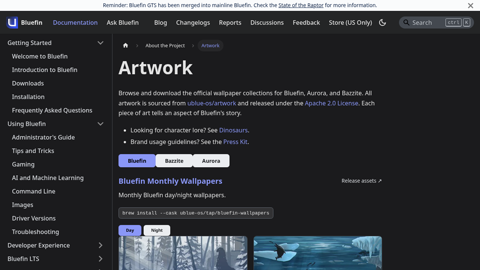
Browse and download all wallpapers and artwork assets
Bluefin is not just tech, the artwork of her world is just as important to us as the software.<br/><br/>All of Aurora and Bazzite's wallpapers are also available here, in dark and light variants.<br/><br/>All of Bluefin's artists are compensated for their work. Bluefin will never ship AI generated art.
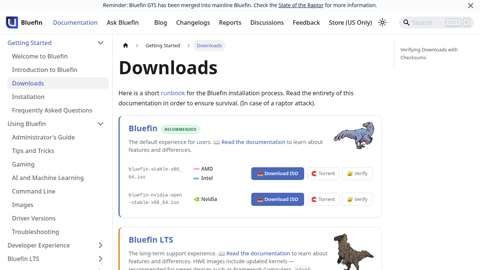
Refreshed Downloads Page
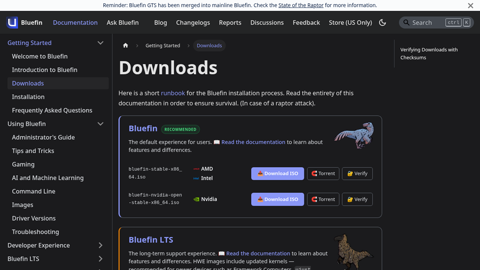
The downloads page provides direct ISO links with checksums and torrents for every Bluefin variant — Bluefin, Bluefin LTS, and Dakotaraptor — with GPU-specific entries so you always grab the right download when you need it!
Metrics
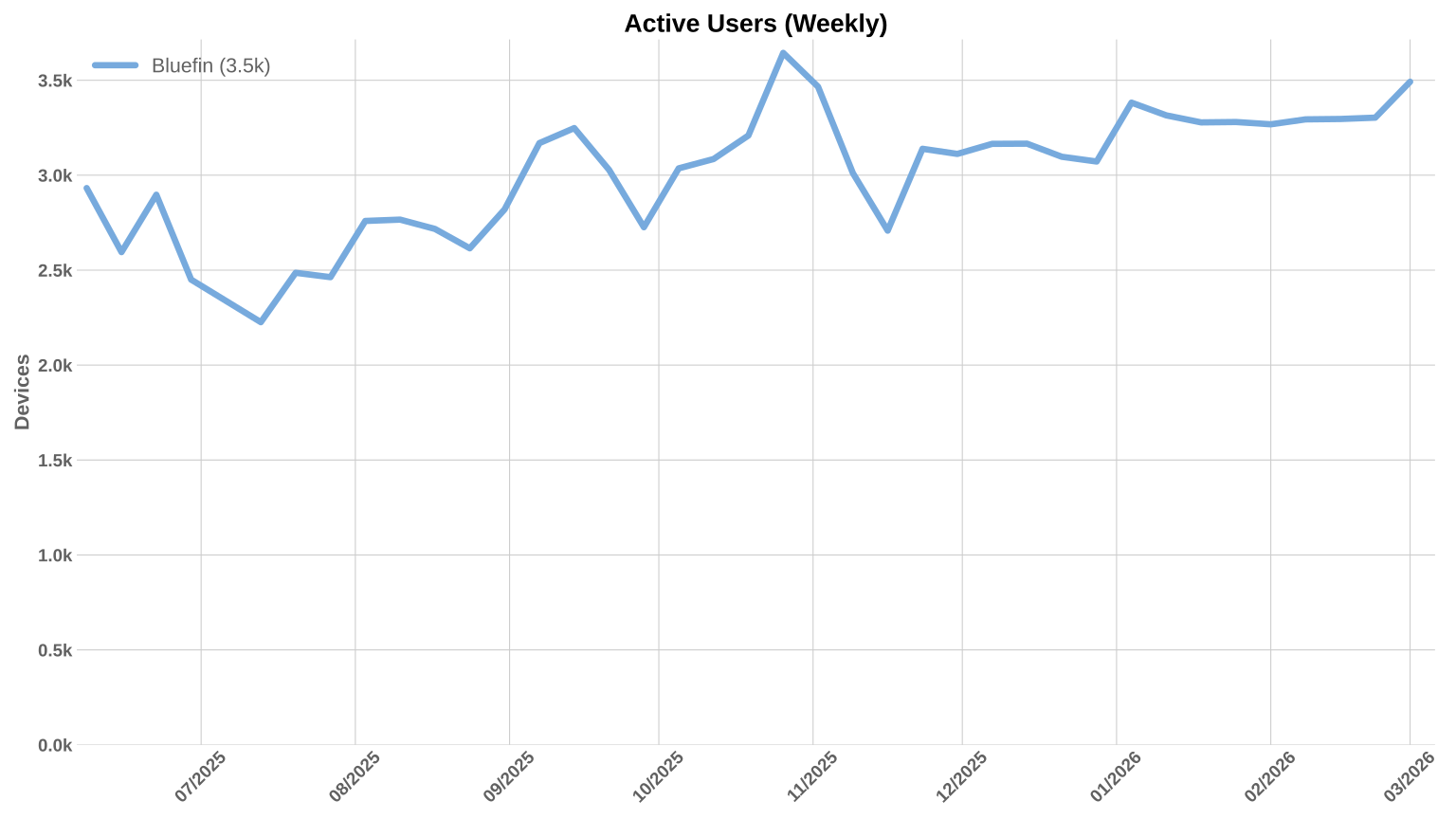
Charts! My favorite. Usage remains steady at about 3.5k weekly devices. This feels about right for our target audience, but Bazzite is still 10x larger. And Ubuntu even more so. I've personally really never cared too much about this - you always need to make the contributor and team structure healthy before these numbers can ever go up.
This is the year that Aurora and Bluefin will start to focus on this number.
Contributor Community
Unfortunately due to limitations in LFX, we can only track one Bluefin repository - so the charts below reflect the reduction of contributions to the one monorepository. This is a bummer because we intentionally split the project up into more granular repositories. The work in all other Bluefin repositories is NOT tracked here. When we can aggregate all of the contributions across all repositories we will have better data. It's all in git so we will be able to come back and correct past charts. Here are the numbers anyway:
Full report: insights.linuxfoundation.org/project/ublue-os-bluefin