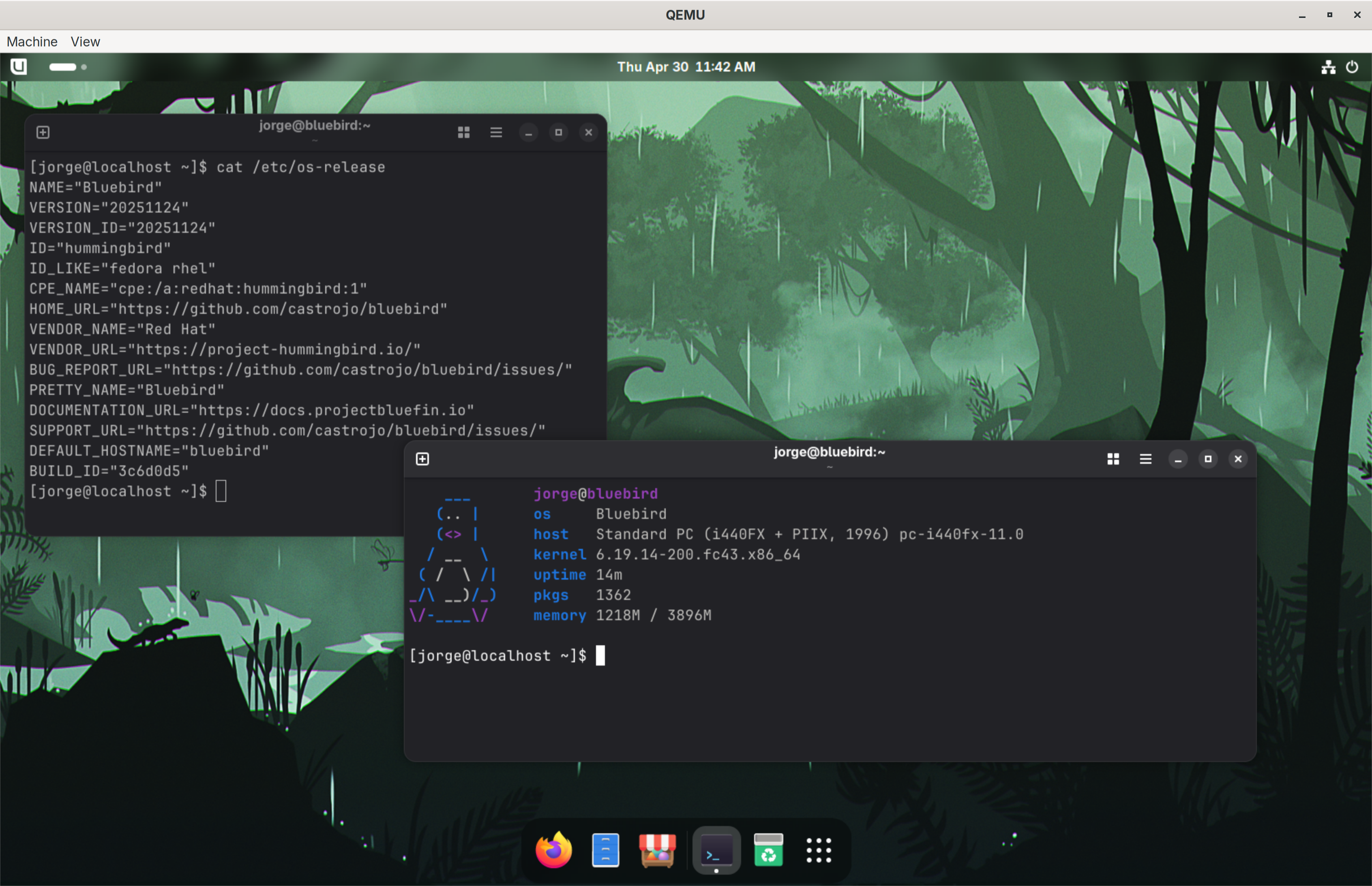
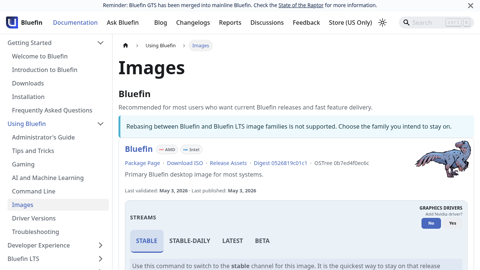
We're starting the transition away from ublue-os/bluefin and bluefin-lts to projectbluefin. This is part of the move to factory.projectbluefin.io. I'll have more details over the next few days. It's our fifth birthday on July 21st so in a way we're kinda relaunching Bluefin. I hope to post updates between now and then so that we can party after.
tldr: GNOME 50, newer kernel support, cleaner OCI layers, NVIDIA as a proper separate image, no more -dx/-gdx images, all userspace baby! You don't do anything but hang out.
LTS and GDX users, this one's for you, the rest of you will come later. GDX's builds have been struggling so you're going first. Thanks to those who tested; we found real issues that have helped the project.
The biggest change is image consolidation, DX/GDX images have been merged:
"Bluefin DX" will be moving off of images and into userspace with ujust devmode, if you're missing anything please file an issue.
"Bluefin GDX" will also be moving to userspace with "ujust aimode", but this doesn't exist yet.
aarch/amd64 all across the board, even ARM/Nvidia hell yeah! (It's Ampere time!)
We're also adding hooks for the IDEs/tools in Bazaar to highlight some of these. So instead of images these will just be modes you can add on. One of the reasons we were struggling with GDX is the GitHub runners didn't have enough space/resources for something so large.
CUDA can now just be consumed via containers - the ujust aimode will look just like the developer mode but we'll have options for pytorch, etc. If you're on an AMD machine you might have seen the preview in bctl
Wow that's ugly! Now you see why we hid it, but you get the idea, start thinking of bundles. bctl is short for bluefin control but probably won't expose it, centralized just is just too good.
These images use chunka to create smaller layers, and LTS was already svelte. This brings us in full upstream alignment with bootc.
Signing: We moved from keys to Keyless OIDC (Fulcio/Rekor), ensuring that my shame will live on in the past. This is nice for custom image builders too, no more pub key in your root and pasting in github secrets to get going. Savage. Not fully implemented yet, but still working on it.
SBOM: Each image has full SBOMs etc, I'm still working on these, but both of these steps are modelled after proper usage according to upstream. The docs, website, and ujust changelog will source from these if they aren't already.
The end state is any version of anything that you see on the website should be what's on the latest image and not manually updated.
:testing branches will land all code, if you're a nerd hop onto these
These images are a huge improvement, especially with our testing suite (more info later), however you will for sure find cosmetic issues since we tend to ignore those until the end lol.
chore(deps): update system_files/shared/usr/share/gnome-shell/extensions/blur-my-shell@aunetx digest to 6f78738 by @mergeraptor in projectbluefin/bluefin#267
chore(deps): update system_files/shared/usr/share/gnome-shell/extensions/blur-my-shell@aunetx digest to fcd5d02 by @ubot-7274 in ublue-os/bluefin#4686
chore(deps): update system_files/shared/usr/share/gnome-shell/extensions/blur-my-shell@aunetx digest to b0281b3 by @ubot-7274 in ublue-os/bluefin#4659
chore(deps): update system_files/shared/usr/share/gnome-shell/extensions/blur-my-shell@aunetx digest to 4913b06 by @ubot-7274 in ublue-os/bluefin#4603
chore(deps): update system_files/shared/usr/share/gnome-shell/extensions/blur-my-shell@aunetx digest to 955a750 by @ubot-7274 in ublue-os/bluefin#4555
chore(deps): update system_files/shared/usr/share/gnome-shell/extensions/blur-my-shell@aunetx digest to 9ee708c by @ubot-7274 in ublue-os/bluefin#4545
Check out this announcement about Azure Container Linux GA. I won't be talking about Azure Linux 4.0. That's the "distro".
Let's talk about Flatcar Linux instead. This is an OS that's stripped down, designed for you to drop what you want on it. It is in the CNCF and a perfect fit for us. Every raptor needs a nest. Afterall, linux is linux. Our homelabs should be badass.
Both Flatcar Container Linux and Fedora CoreOS use Ignition for first-boot provisioning — a powerful declarative system that requires you to write a complete JSON (or Butane YAML) config file before you can install. There is no interactive configuration during install it's pretty nerdy. Basically for all intents and purposes, uninstallable for enthusiasts. For experienced Kubernetes operators this always-in-pain life is fine, but for homelab users and folks new to container-native Linux, it's annoying. And our mission is to help OSS developers which means, we cover all aspects. And from reading the room, I think a lot more people are going to want to self host. And so are organizations. This is why it has to be cloud native, you gotta have the server ↔ client goodness to compete.
It would be madness to create our own installer, so Knuckle just translates that stuff into something the Flatcar installer understands and then that's it. It's the real image. And we added some nice conveniences like choosing systexts. That's it. A pure vanilla brick wth a fancy ignition translator. What are you going to build with yours? Here's what we've been working on:
Knuckle is a TUI "installer" for Flatcar Container Linux. It gives you an Ubuntu-server-style guided wizard that generates a valid Ignition config and passes it to flatcar-install — no hand-crafted JSON required. Knuckle is "basically Azure Container Linux (Home Edition)." but it's the upstream unbranded one with not many strong opinions.
We even wired in the sysexts and whatnot.
Note: Knuckle is pre-alpha software. It will wipe the target disk. UEFI-only; BIOS/legacy boot is not supported.
Flatcar is an awesome OS, here's a list. I like it because it offers different stability channels, making it easy to canary test on clusters, etc. But it's also a great building block to build your server on:
Read-only system partition — dm-verity protected; eliminates a whole class of vulnerabilities
Automatic atomic updates — using the same mechanism as Google ChromeOS; atomic rollbacks supported, this is actually built with Gentoo upstream!
System Extensions (sysexts) — Extend your server with the Flatcar Bakery
Ignition provisioning — declarative first-boot config, shared format with Fedora CoreOS
No package manager — user workloads run as containers (Docker, Kubernetes) or sysexts; the OS itself never drifts
CNCF governance — vendor-neutral, community-maintained, built to outlast any single company's interest
Production-proven at scale: Adobe (18,000+ nodes), STACKIT (20,000+ nodes, their customers' most popular OS choice), and many more
People sometimes ask why we don't make a Server Edition. It's because we don't care about distributions it's all Kubernetes. :) And even if it fails at that we can prove people want it. But the nice thing about flatcar is it comes empty and is great for lots of projects. For me it's the last OS you install on your new server build. Problem solved, I have jellyfin to set up let's go!
Intent
This project is intended to spread the use of Flatcar Linux and Fedora CoreOS to the home enthusiast audience. Digital Sovereignty isn't just for nations, so we're going to use the tools nations use to make our lives awesome. We hope that this will live somewhere upstream and unites the CoreOS family.
Knuckle is feature complete, we won't be adding whizbang features, it's vanilla only and will only ever support vanilla. However ...
Since this is all well designed cloud-native stuff: "upstream + opinion = product".
k8s configured for single node operation, easy to expand (you just set up another one)
Single webui to schedule whatever you want, say jellyfin, all the self-hosted stuff of your dreams
All that dashboard stuff you want to show off to your friends with
kubevirt out of the box, import your old VMs and redeploy on your new system.
Out of the box gitops so you can operate the entire cluster from version control
No CLI, No ssh, or kubectl access at all - entire cluster is API or MCP driven, magical tailscale integration
Standard industry gear, Kubernetes, Argo Workflows, k8s-mcp-server, bring your own workload
Now THAT is an opinion! I have a version of this running in my lab now, and we'll keep iterating, so start with ideas. It's still early days but I'm sure many of you will start prototyping with Flatcar, sky's the limit!
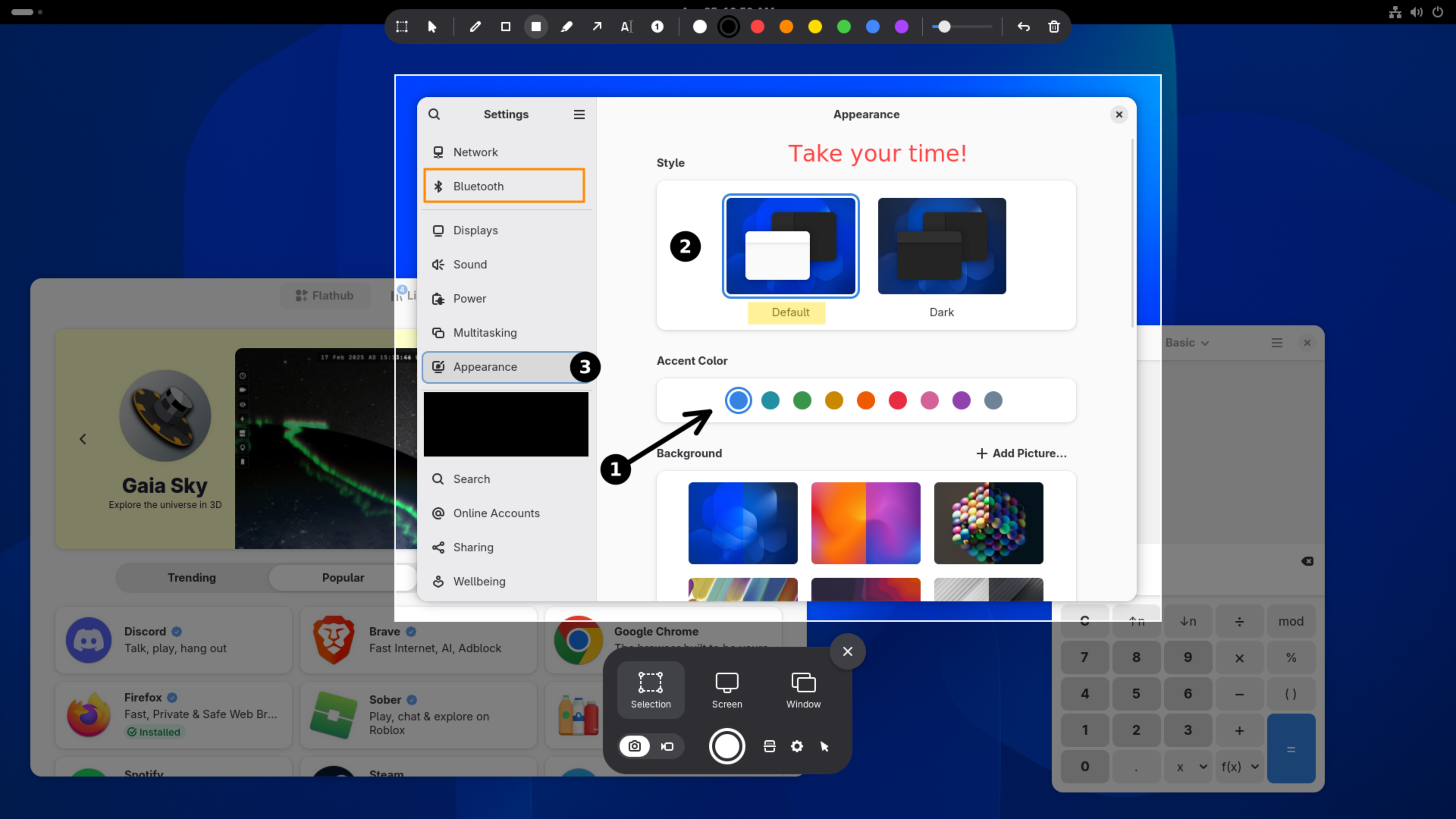
Screenshots are bug reports, social posts and memes. The faster you can capture the thing, draw an arrow at the thing and send it, the better.
Bluefin is rolling out an upgraded screenshot experience with Gradia and Gradia Capture. The Gradia Flatpak is built in and ready out of the box for new users (Existing users might need to install it in the Bazaar App Store, we'll figure out how to automate it, send issues!) and Gradia Capture hooks into GNOME's screenshot flow so the path from capture to annotation feels native.
Gradia Capture enhances GNOME's screenshot flow with annotation, OCR and Gradia integration.
Gradia gives you the finishing tools that screenshots usually need before they are useful: text, arrows, censoring, padding and quick upload. Gradia Capture brings that into the screenshot moment with annotations and OCR text recognition, optionally you can hand it off to Gradia for further editing.
Gradia and Gradia Capture are built by Alexander Vanhee. If this saves you time, please send some support upstream. Supporting builders like Alexander helps keep that momentum going and helps modern Linux desktop like Bluefin keep shipping great apps out of the box.
Ok look we made another Bluefin. I know what you're thinking (especially you McPhail!). We got rid of Bluefin GTS and now the team decided to make another one. How many of these things are there, it's like a string of Jurassic Park sequels. First let's level set. The product is Bluefin. That's the default Fedora one.
Your favorite murder chicken is safe. We don't expect normal people to know what Dakota is anymore than we expect them to know what a Koenigsegg is. I can't even pronounce that name! We remain a project designed for cloud native practicioners, so we offer the very best tech the desktop has to offer. And there's good tech in BuildStream and GNOME OS, there's a compelling set of options here. This one just goes all in. I would not call yesterday's Fedora Hummingbird announcement a coincidence.
And now for the mysterious new raptor who keeps making waves:
Dakota is our newest "distroless" raptor. It's built from source and directly published as a bootc image, no traditional package manager involved at all.
Wait, this is just Gentoo.
Chris Aniszczyk, CTO Linux Foundation and former Gentoo contributor
Dakota features a more aggressive push away from legacy technologies, pure image mode only. Just the best desktop we can ship, direct from GNOME and Freedesktop SDK right to you. We remove the concept of "the Linux distribution" being a platform and the top primitive, the Freedesktop SDK libraries and Flathub are our platform. No compromises. Dakotaraptor is daily driveable and has quickly exceeded all expectations.
systemd-boot, UKIs, UEFI only, compiled for the x86-64-v3 architecture level
Oxidized coreutils - same sudo-rs and uutils setup as Ubuntu - thanks to Canonical for funding this important work
Mostly feature complete, it's a full Bluefin
Custom Command Menu — Dakota features a newly refined menu. We hope to bring this menu to other Bluefins over time.
Ghostty as the default terminal
Since Dakota is brand new there's no users to transition when we switch something. We are switching to Ghostty as the default terminal. This has always been a fan favorite so we're starting with it fresh here.
Last I talked to Christian Hergert we discussed having ptyxis just use a libghostty backend. This is not only totally possible but would be the ideal situation! Someone please make this.
Efficient layering - this image uses the upstream chunkah tool for more efficient downloads. We expect efficient delta downloads to land sometime this summer, but the infrastructure is in place now
Linux 7.x kernel will land once some of the bootc issues with 7.x are resolved
Beta target: Probably a month or so; GA target: Fall 2026
Want to help? GNOME OS upstream is always looking for help: os.gnome.org
And the big one. We cannot guarantee that this installation will be the final layout. GNOME OS is transitioning to systemd-homed eventually. That will mean either a manual transition or reinstallation. As such we likely will not go GA until this transition completes. We expect a lazy summer beta.
What now? It has been an absolute pleasure working with BuildStream over the past few weeks. The team has committed to the hardware necessary to make builds faster and the local development experience has been the best we've ever had. It has become clear and obvious to me that the combination of BuildStream and bootc brings a level of automation and developer experience that will be tough to beat.
Here's the hot take: If you look at all three raptors, all else being equal, the best development experience and best infrastructure always wins in this space. We have over a decade of cloud native industry experience to prove it, Kubernetes runs the world for a reason. This workflow is now in the Linux desktop space. I firmly believe that buildstream/bootc combined with our gitops approach will deliver a fantastic product.
Yes, they called the upstream rechunker "Chunkah". A rechunker is a thing we use to take an image and reslice it into more chunks. ghcr.io/projectbluefin/dakota is sliced into 120 layers instead of one big unresumable download for updates. It also takes content of the image into account. The idea being if you have components that update often, they would be group together in layers, and things that don't get updated often are group together.
That means if your computer doesn't need that layer for that update, it doesn't get downloaded. Additionally partial zstd:chunked pulls will complement the layering. This will mean that your computer will also only download the parts of the layers it needs. When combined this finally brings efficient downloads to the bootc ecosystem. Initial findings are looking good.
These alpha images are rechunked by Chunkah, but unified storage does not work on the composefs backend to bootc yet so it's not done.
After all that praise of an alpha product of all things, some may misconstrue this as abandonment of the other Bluefins or a lack of focus. Now let's talk about how we got here.
Disclaimer
This section is my opinion and does not reflect the views of the team, but is instead a reflection of my 20+ year journey working in Linux.
Bluefin's mission is sustainaiblity, that means people. Bluefin LTS is there so we have a reason to bring people like Carl George and Shaun McCance into our ecosystem. Without Bluefin LTS Red Hat would not have as much of a financial incentive to help us out. We drive bootc forward, they invest in the software and sell it as part of their product. It's the Circle of Life, but with Linux. Red Hat did afterall, give us millions of dollars of engineering for free.
Same thing with Fedora, it's our line to that center of gravity. And we have a new approach with Fedora Hummingbird, attracting more people. It's not about the software, it's about the ecosystems we make along the way. Sounds like the kind of tripe the Linux Foundation loves to peddle! Dakotaraptor has one foot in the bootc world and one in the UAPI world.
Speeeeed
We will participate in both of those large ecosystems; that brings in the largest group of talent. Projects live and die based on the contributors that show up. We will always endevaour to work the best people at the cutting edge of Linux. We're ops people, mastery of all Linux is a requirement.
The CNCF Community via bootc, composefs, podman, and oras. The UAPI community bringing in the Linux userspace. Sounds great, let's go. Someone from Amutable please save me a shirt!
Colin Walters describes communities like this as "Centers of Gravity" - and we're all in one gigantic galaxy, everyone pulling and pushing around different ecosystems. All made possible by open source tools, amazing.
The state of Dakota Alpha 2 is impressive considering how few people it took to make it. For us our job is to make Bluefin as thin of a config layer as we can, our opinions are mostly in userspace anyway. It should be noted that this way is always cheapest. It is always cheaper to fix things upstream closer to the source. It's called "shifting left", yes there's a term for it lol. Welcome to cloud native.
There are those that will say that GNOME OS and KDE Linux make no sense, that's what distributions are supposed to do. I push back against that. 4% marketshare in 30 years is not a success story. And the ones that are growing are designed to be used as reliable clients and not package manglers.
Timothée Ravier once said, people don't want distributions they want experiences. And these operating systems will prove it. No one will ever give you a better KDE experience than KDE. That wasn't true in the past because distributing software over the internet was hard. Now not only is it much easier, these organizations can start greenfield with the state of the art rather than trying to adapt old techniques to the new world.
Best infrastructure wins. Fastest and cheapest development wins.
If you're into GNOME work on GNOME OS, if you're on KDE work on KDE Linux. If you like Fedora work on that. Make a friend, donate to an app developer.
GNOME OS would prefer we ship a DDI image. And some would prefer we don't exist at all and just sit as a systemd-sysext in GNOME OS. Sure, someone make one, we have buildstream, would you like fries with that? And with so many RPM-based people in the bootc world I am sure there are people who prefer that Bluefin just focus on being a Fedora with batteries included and nothing else.
But we are a forcing function - the dinosaurs are there to remind us that only the best survive the harshest ecosystems. This is especially true in the resourced starved Linux desktop ecosystem. We will continue to push. Some software is not going to make it. See you in the trenches, thanks!
It really is just a conspiracy
We built Universal Blue. Aurora, Bazzite, and Bluefin, as a team.
Then opportunites opened up for our contributors to work for organizations at the forefront of Linux. The Linux Foundation, Microsoft, Chainguard, Red Hat, and others. Driven to build around open standards but leaving room for commercial entitities to exist and thrive. And that's just the core team, as you can see from our contributor lists, the cloud native ecosystem is a significant center of gravity in open source.
You have proven that enthusiasts matter and can shape the future of the desktop. Level up your skills and organizations looking for open source talent will take you seriously, and in today's brutally competitive job marketplace, expertise in open source matters.
There's no right way to Linux, but there are certainly wrong ways to Linux. If you're new to Linux, welcome. We are your starter dungeon. We're your sysadmin team, nice to meet you, we've got your back. Greatness awaits. And also pain. Mostly pain.
One last group of people to thank. These community members participated in GitHub Discussions over the last six months. Asking questions, sharing tips, helping newcomers, and keeping the conversation going is just as valuable as code. Thank you for your help, it's important!
Hey, you know who is good at making "distroless images"? Distros.
Scott McCarty, Challenger of The Final Shape
It seems Fedora Hummingbird has been revealed. Of course Red Hat built this, modern infra demands modern images. All they had to do was put a kernel in there. So they did. It's awesome that this will be done in Fedora!
I had heard the rumors. But it wasn't until I put two and two together and realized that Red Hat had quietly hired two Universal Blue core maintainers. They will be on the team building this. In the open, along with everybody else. This will take them some time to cook, there is a ton of work ahead. But it's closer than you think. I was able to cobble together a prototype in a day. Most of what you're about to see was grabbing the Fedora RPMs and and smelting it together. But it worked. It booted just fine.
This is also the reason why we're not doing the stable->testing->next plan. We'll likely do more one off testing branches, but work on the sealed images and Hummingbird will attract the right kind of nerds to make this interesting. I think it's cool that they're putting this in Fedora. You have the evolution of the tried and true way + a continuous integrated option that can be the prototype for a greenfield Silverblue and Kinoite.
Well, I got what I wanted, a CoreOS style base image to have a true "CoreOS Desktop". So is Fedora rolling or stable? Yes.
I hope some of you step up and accept's Scott's challenge, we have an opportunity to do something brand new, chances like this don't come along often! A place for a cloud native in Fedora, I can't wait to see what Legends rise.
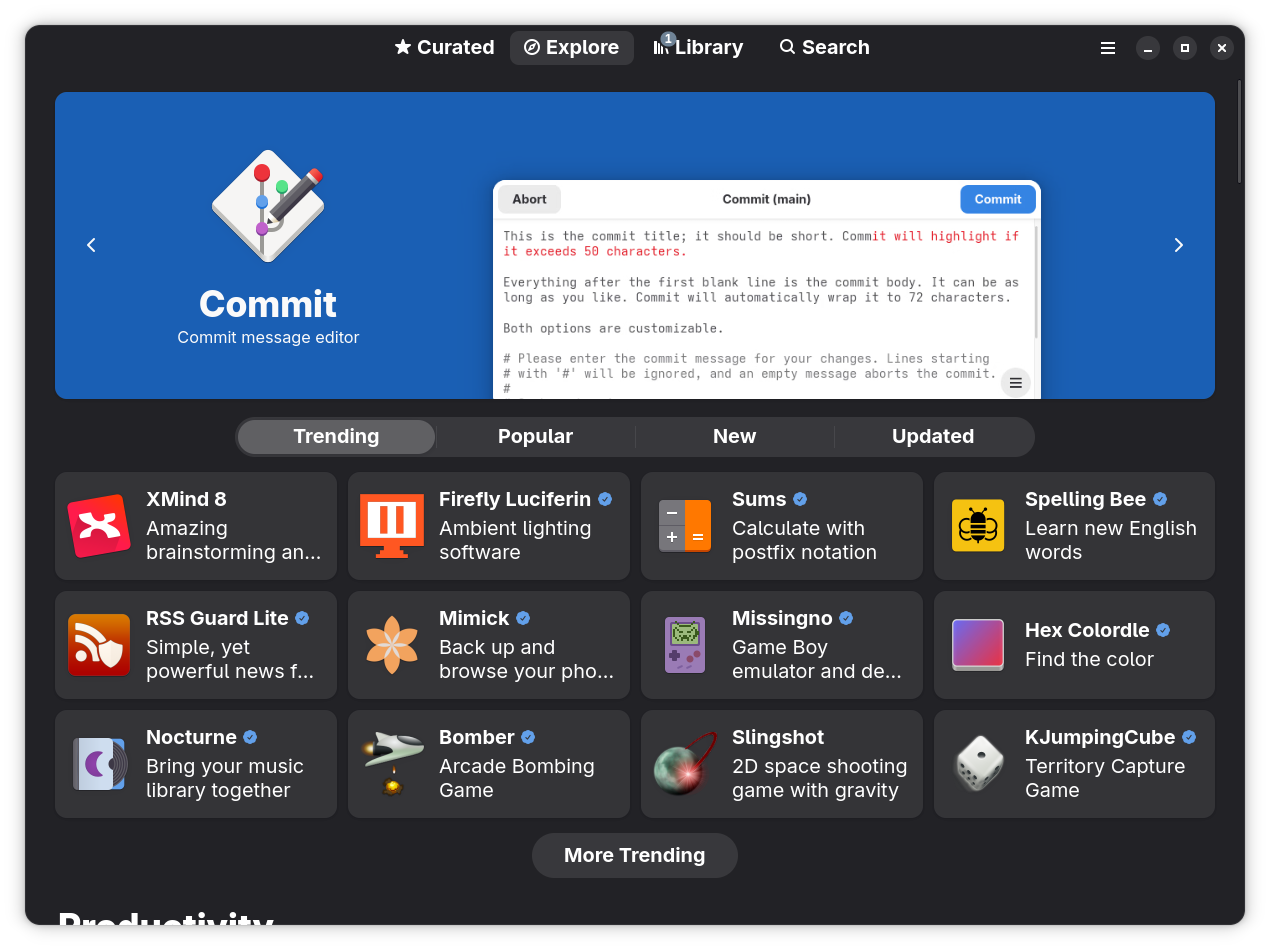
Bazaar is the application store on Bluefin systems. It is designed to bring the best of Flathub to your fingertips, with a focus on directly supporting application authors. It accomplishes this by focusing on highlighting donations to app authors and ensuring that you get those applications as soon as they are released upstream. No jank.
We're proud to ship this as our app store. Flathub has over 1 billion downloads and 21% Year over Year growth. Nice.
Bazaar — a Flathub-focused app store for GNOME
We can't get there from here without a working delivery platform — please donate to Bazaar. Built by @kolunmi and @AlexanderVanhee.
The ublue-os/tap is the production Homebrew tap for Bluefin - a curated collection of software packaged to work great on all Linuxes. Run ujust bbrew to open the interactive browser and install anything from the tap in a few keystrokes. Here are the highlights of apps added over the last cycle:
Visual Studio Code — Microsoft's open-source code editor. You can now install this without needing to use a DX image
VS Code Insiders — The daily preview build of VS Code with the newest features.
VSCodium — VS Code binaries built without Microsoft telemetry or branding.
JetBrains Toolbox — Install, update, and manage every JetBrains IDE from one app. This installs Jetbrains into your home directory as intended by Jetbrains.
framework-tool — Official CLI for Framework laptop hardware: fan control, battery charge limits, charge LED mode, input module configuration, and firmware update checks.
heic-to-dynamic-gnome-wallpaper — Convert macOS HEIC dynamic wallpapers into GNOME XML dynamic wallpapers that change with the time of day.
pmbootstrap — The sophisticated chroot/build/flash tool for postmarketOS development and porting Linux to mobile devices.
asusctl — CLI and daemon for ASUS hardware: fan curves, battery charge limits, keyboard LEDs, GPU mode switching, and more.
ROG Control Center — GUI front-end for asusctl, providing a graphical interface for all ASUS ROG hardware controls.
The operating system usage is also interesting. One of the reasons we picked homebrew was to be in the same group as everyone else. It's also nice to know that we're helping represent Linux:
Bluespeed is our catch all term for agent-centric tooling in Bluefin. It is a play on RHEL Lightspeed, Red Hat's tooling in this area. We continue to collaborate with the team and ship their tooling, such as linux-mcp-server. Bluefin ships a full cloud and AI native development platform ready to go. We default to a "Bring your own LLM" approach, with a focus on pushing towards an all-local opt-in approach for system troubleshooting.
Our flagship tool is Goose from the Agentic AI Foundation, which serves as our "portal" to other tooling. We recommend using the ramalama tool for model management. This features full GPU acceleration for NVIDIA and AMD GPUs to work with local models out of the box. Models and drivers are kept in containers for flexibility. It's an awesome set up, give it a shot!
Ask Bluefin is a natural-language system assistant that can diagnose, explain, and help troubleshoot your machine using our community's data. You can hit it up on the website, the dedicated discussion forum, the soon-to-come shortcut in the menu, and the soon-to-come Discord app.
Ask is done in partnership with Dosu - here's the gist. Ask Bluefin is trained on all of the documentation and source code for all of the tooling in Bluefin, Bluefin's source code, issues, documentation, and discussions. Podman, bootc, vscode, systemd, etc. Everything on your system. AND THAT'S IT. It is only trained on the code and docs. The results are usually much better than a generic LLM, and light years ahead of Linux subreddits. (That's not a high bar, but let's have some goals). I have it write service units for me, because the era of writing these by hand is now almost over.
Dosu also runs an MCP server if you want to connect your clients to it or work on apps that can index our community's collective knowledge.
Proprietary operating systems are falling over each other trying to implement the worst possible anti-privacy features with AI. Of course they are, it's the nature of the beast. We take a different approach. If someone's going to invent this thing, then we're going to use it for good. Our first stab at this is to use it for a more natural goal - fix broken computers. (Computers are awful)
linux-mcp-server is an MCP server that gives any AI agent live read only access to your system: OS info, processes, services, logs, network, and filesystem. When connected to Goose it gives your LLM access to the following features:
"Bring Your Own LLM" — use it with a local Ramalama model for fully offline diagnostics, or connect to a hosted API for more capable reasoning — same data, your choice. Current this works best with paid frontier models, but also has been working great with the cheaper "fast models". Our team continues to experiment with the latest local models. Our final goal is for your computer to be able to diagnose itself with 100% local workflows on open weight models. Kyle Rankin in particular is going hard on this and has been making some incredible progress. It's only a matter of time, open always wins.
Natural language diagnostics — Ask questions like "why is my fan running loud?" or "what process is eating my RAM?" and get real answers grounded in your actual current system state
Works with any MCP-compatible agent — Goose, OpenCode, and any client that supports the Model Context Protocol can connect to linux-mcp-server and get the same system access
(Optional, requires setup) Bluefin knowledge base built in — Dosu integration means the assistant already knows the Bluefin documentation, common issues, and community-reported workarounds.
I became a fan when on a trip to the Southern California Linux Expo. My computer was acting weird. I had the tool diagnose the problem, ends up we had made an error in our swap config for Bluefin LTS. It confirmed the issue, and then linked me to the existing issue that someone had reported a few hours before. Clanker + Human confirmation found the issue. We rolled out a fix. I am never going to diagnose a Linux machine by hand ever again.
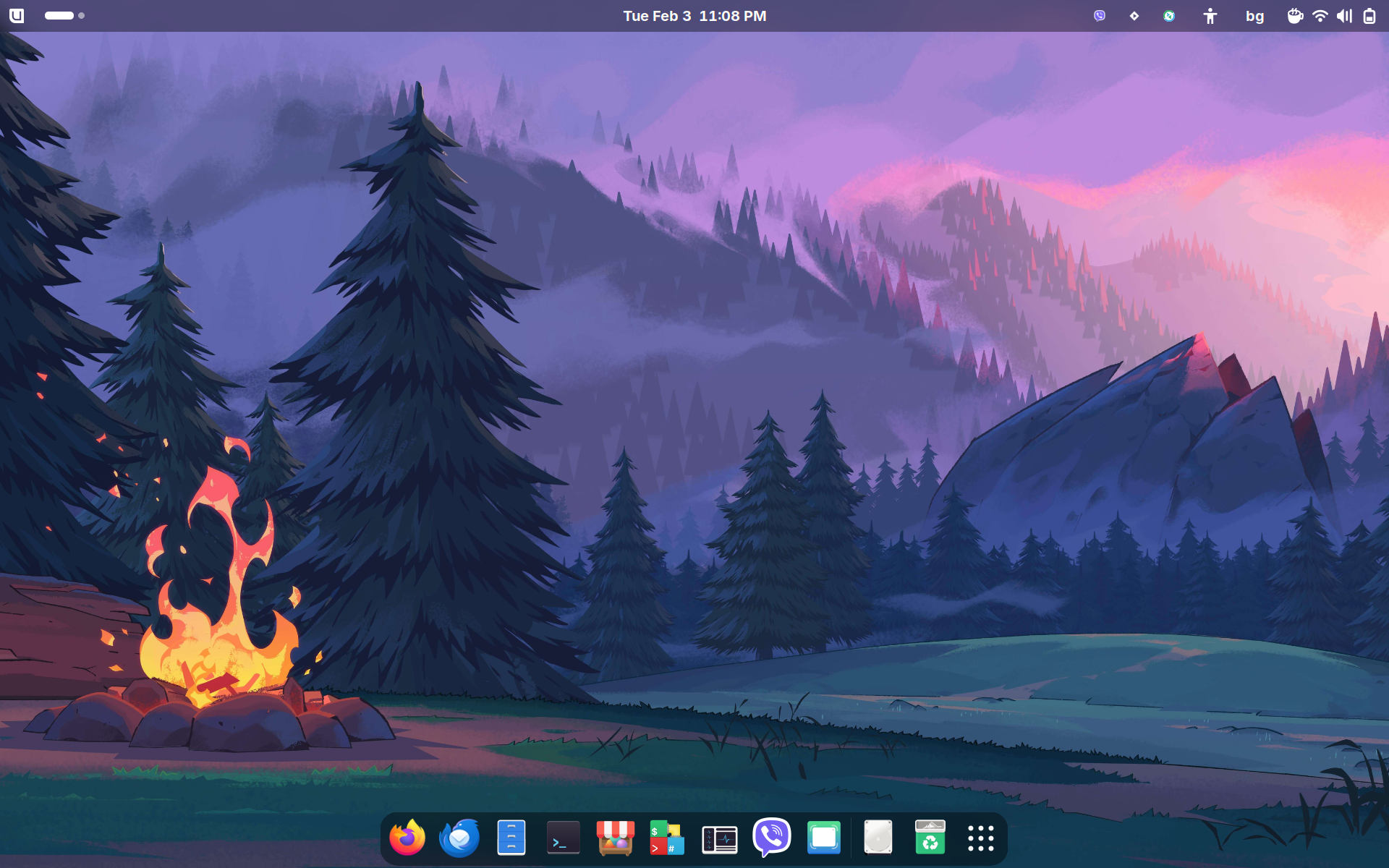
My favorite part of Bluefin, the artwork! I'd like to thank the two new major donors who are funding two new future Bluefin renditions. The future is bright for more art!
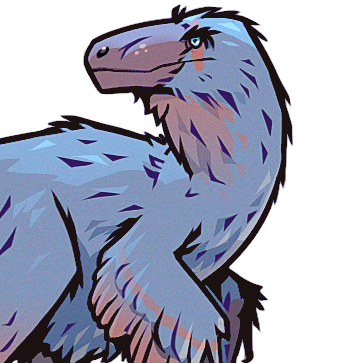
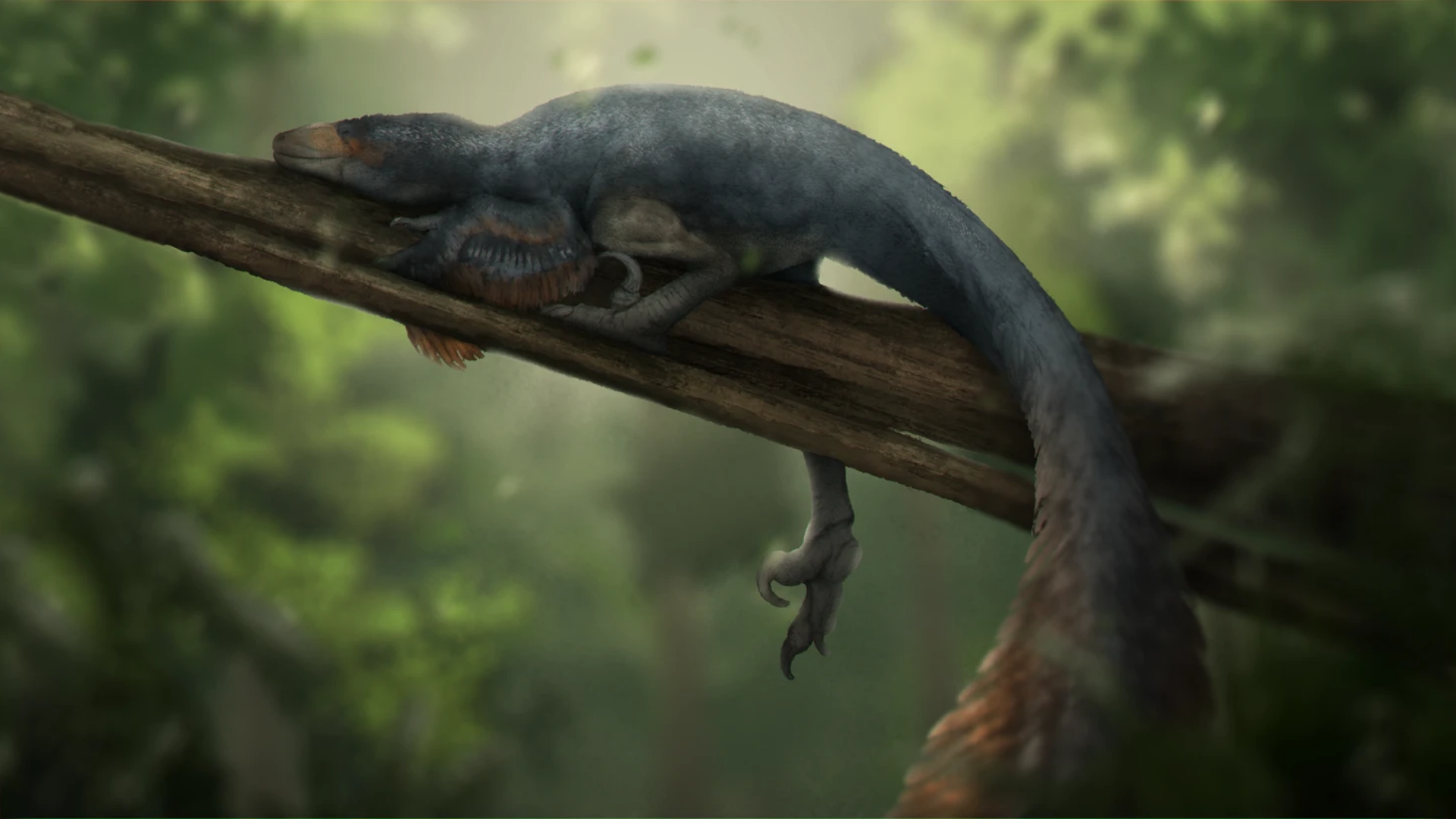
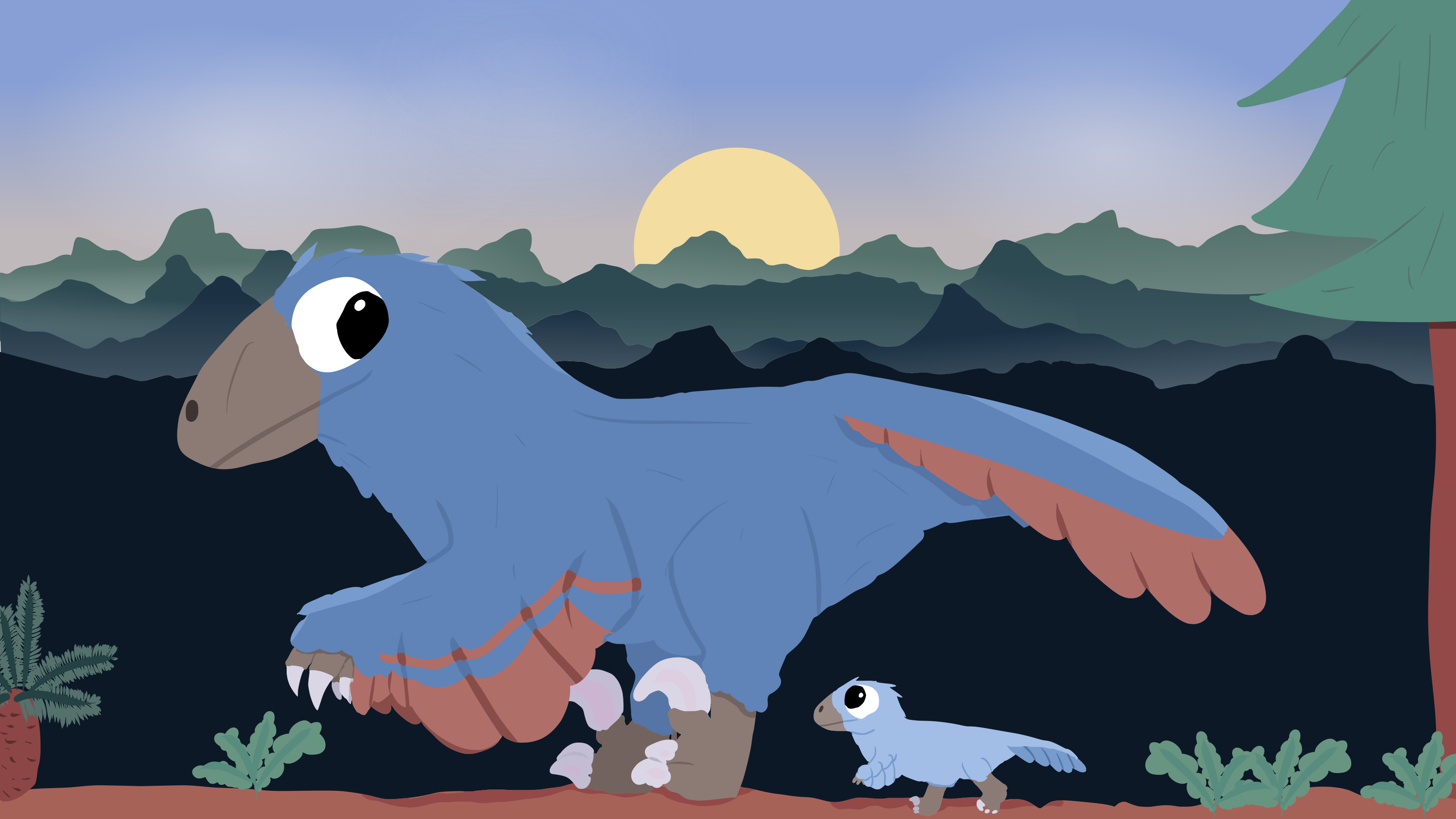
Jay joins the prestiguous list of paleoartists to render Bluefin. Jay is a London-based science communicator, paleoartist, and television producer — her credits include Earth, Walking with Dinosaurs, and Evolution.
Bluefin was first modelled in Blender, similar to the technique used in Walking With Dinosaurs, before the finishing work added the feathers. This is so cool! Dinosaurs are typically portrayed as blood thirsty killers murdering constantly. But like real animals there are plenty of times when all you want to do is lay down. This rendition of Bluefin reflects a more chill day, a full belly, and no worries.
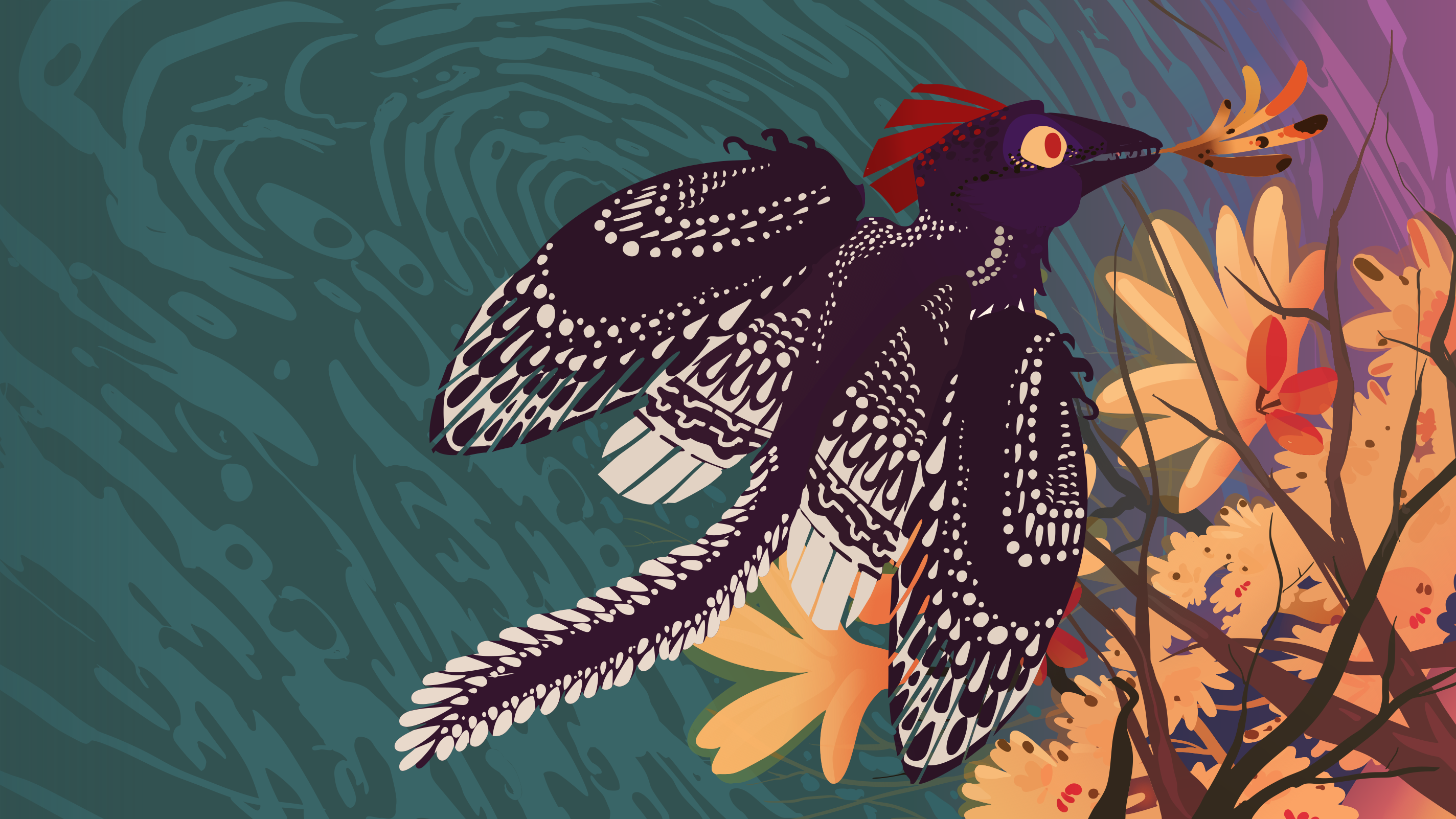
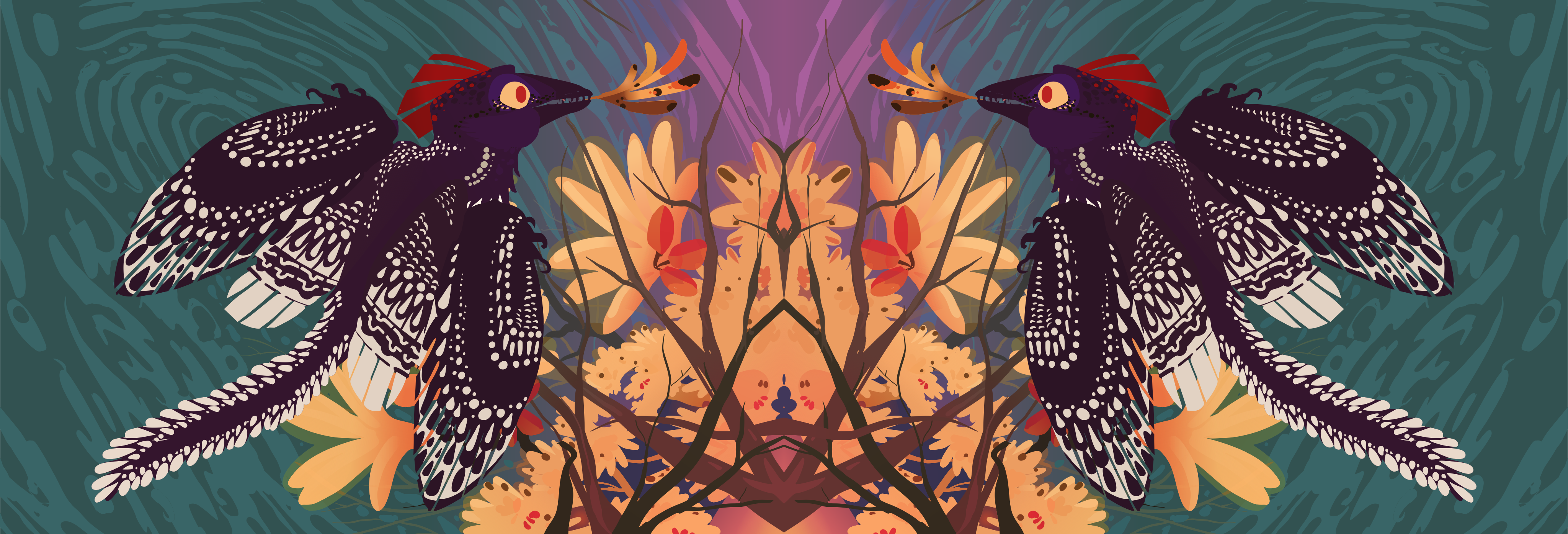
Did you know birds once had teeth? Crazy I know. This is another banger from Dr J and Delphic. Delphic has painstainkingly vectorized the original artwork so that we can enjoy this artwork on any size monitor.
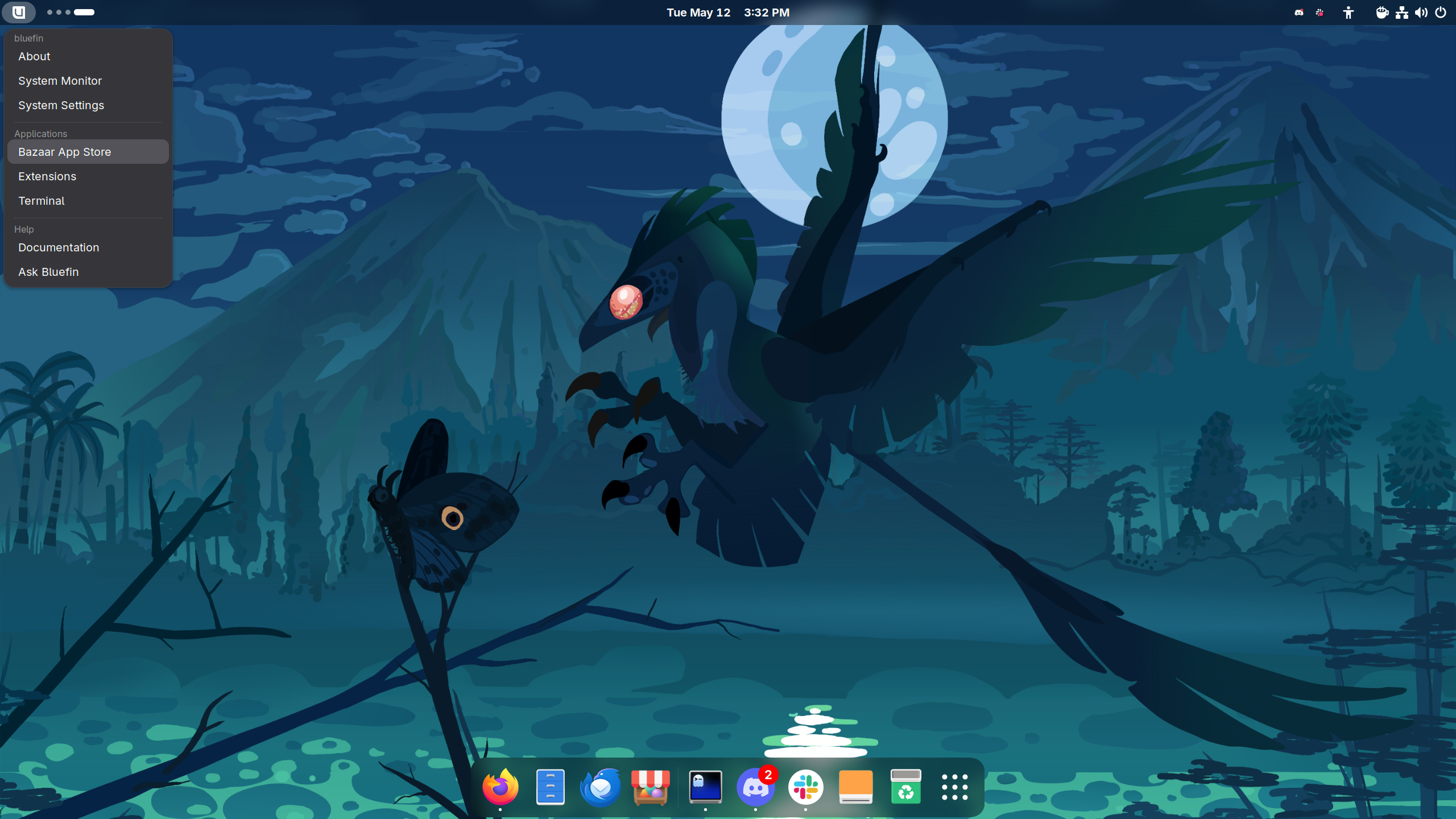
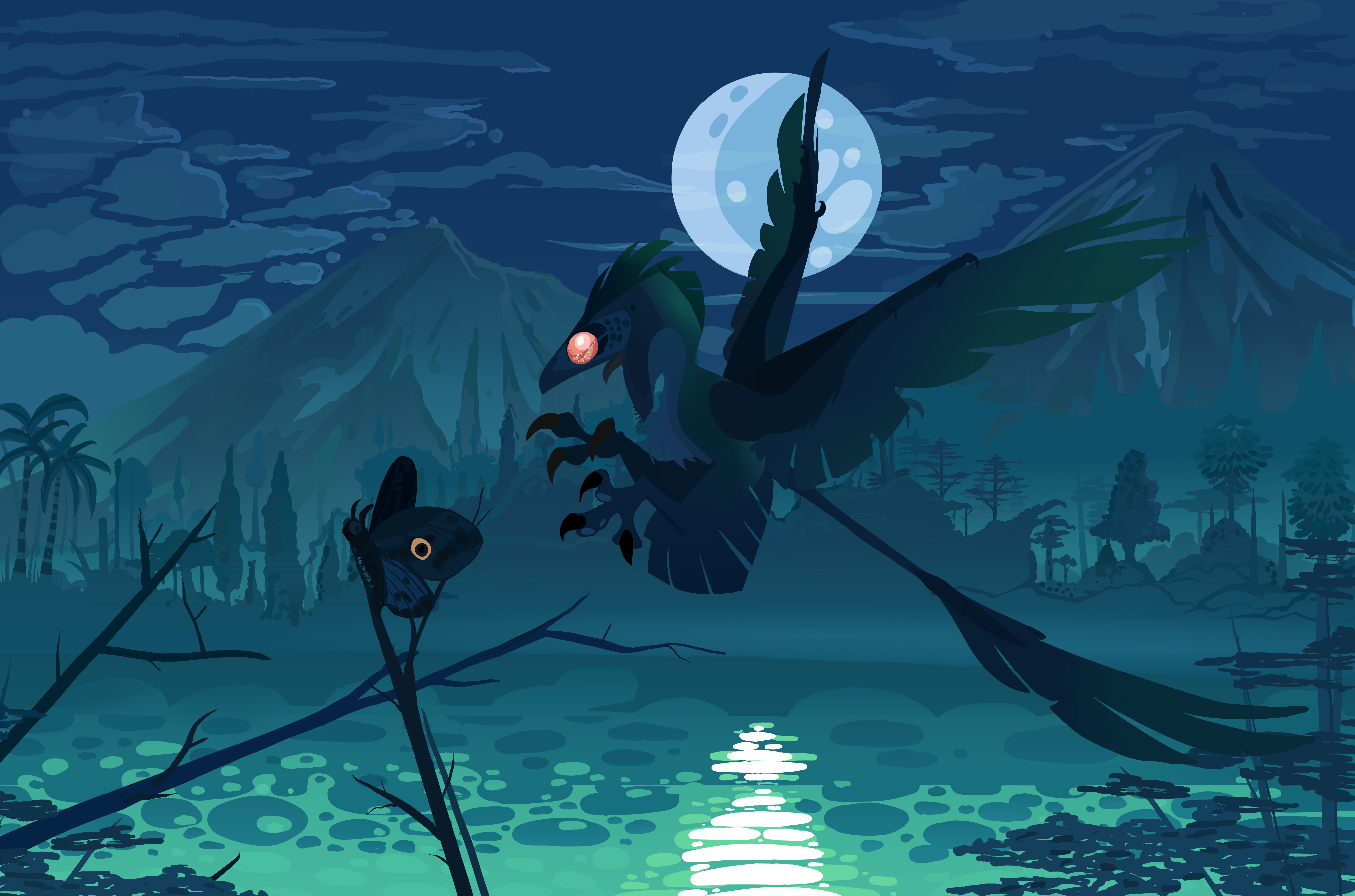
Our last wallpaper from Dr. J is one of my favorites. It features a microraptor hunting a poor butterfly. Did she catch it? We'll leave that interpretation up to you.
We've been working pretty hard this cycle on the docs. Specifically around getting more information of what's in Bluefin so that we can be more transparent about what we ship:
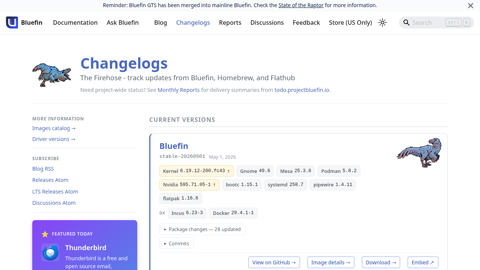
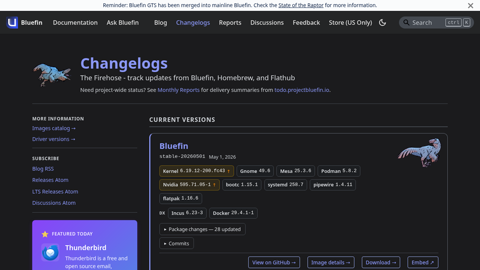
Automated weekly changelogs for every image stream
This page will show you all of the versions and releases of every Bluefin. It is automatically generated from Bluefin's Software Bill of Materials (SBOM), so it will always show you what's on the image. This took way more work than we realized, but thanks to awesome tools such as <a href="https://oras.land">oras</a> and <a href="https://github.com/sigstore/cosign">cosign</a> we now have a nice way to show you what's in Bluefin. We also include the updates from the default homebrew and flatpaks shipped in Bluefin for convenience.
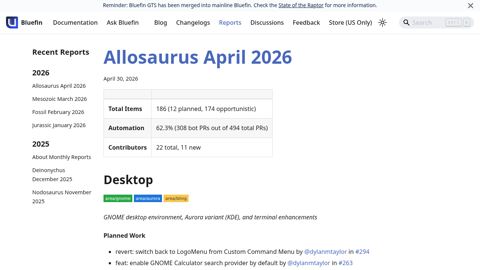
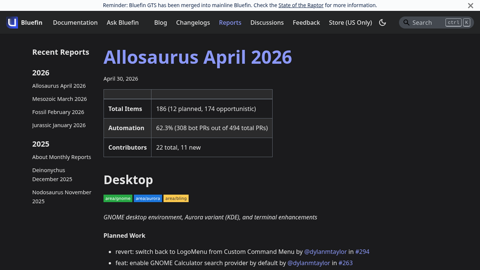
This page aggregates all of the work from the volunteers that are landing in Bluefin. This report is generated monthly and features all of the contributors who work on Bluefin. My favorite feature is it highlights people's first contribution as a milestone. Welcome aboard, Guardian.
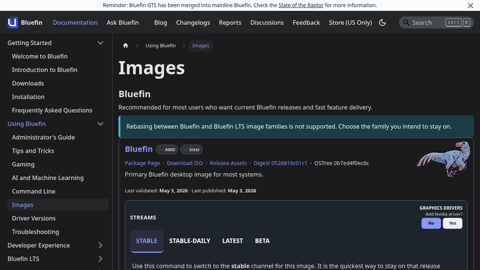
This page is a reference of all of the images we publish, and features rebase instructions if you need them. This includes the testing branches of every image (if they exist), as well as the Nvidia images.
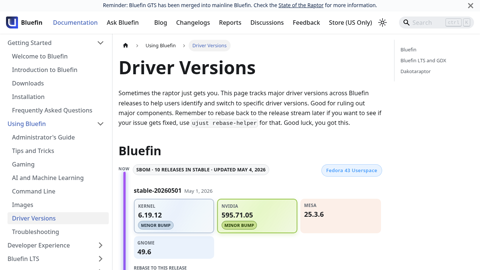
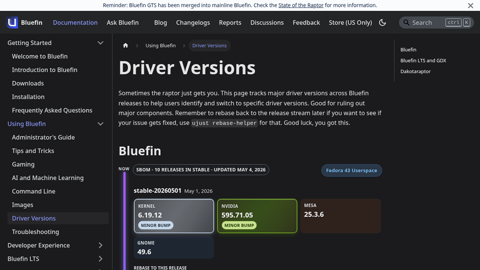
Ever update and get a regression? When was the last kernel update? When was the last time Uncle Jensen left us an unexpected gift? This page shows a matrix of major component version bumps so you can quickly see what updated when so you can at least make a better guess as to what past image you should rebase to. This page is clutch for troubleshooting.
Every release ships with a curated soundtrack highlighting Bluefin's cloud native journey. The music page archives every playlist we have released, with notes on the artists and the vibe we were going for.
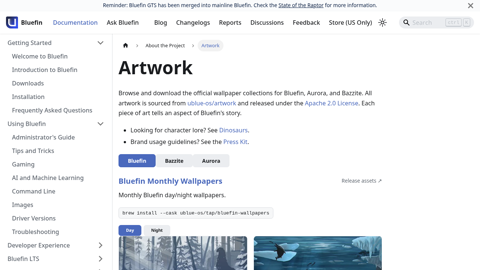
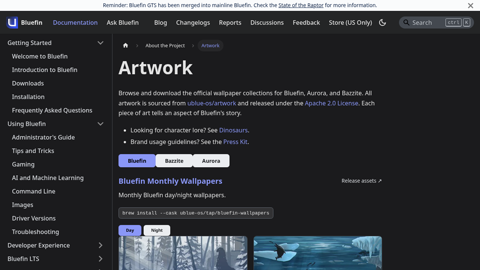
Browse and download all wallpapers and artwork assets
Bluefin is not just tech, the artwork of her world is just as important to us as the software.<br/><br/>All of Aurora and Bazzite's wallpapers are also available here, in dark and light variants.<br/><br/>All of Bluefin's artists are compensated for their work. Bluefin will never ship AI generated art.
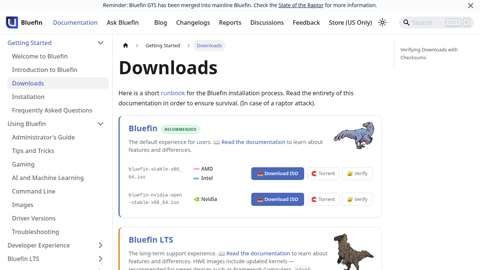
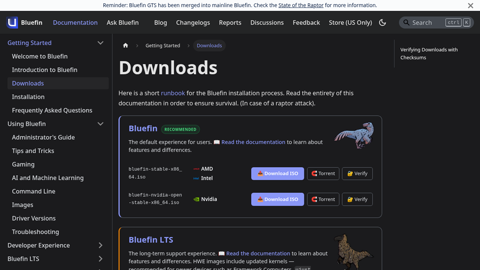
The downloads page provides direct ISO links with checksums and torrents for every Bluefin variant — Bluefin, Bluefin LTS, and Dakotaraptor — with GPU-specific entries so you always grab the right download when you need it!
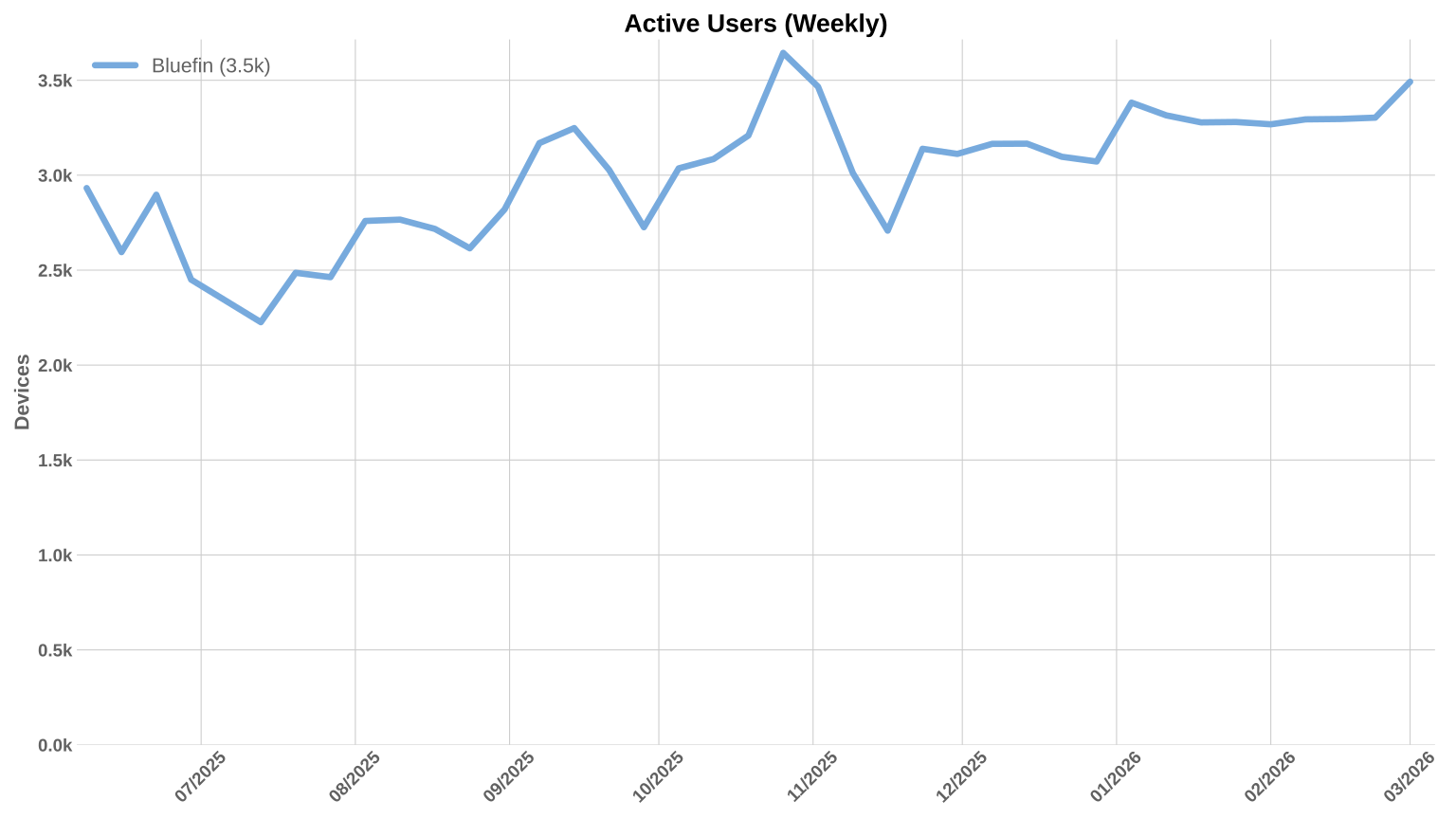
Charts! My favorite. Usage remains steady at about 3.5k weekly devices. This feels about right for our target audience, but Bazzite is still 10x larger. And Ubuntu even more so. I've personally really never cared too much about this - you always need to make the contributor and team structure healthy before these numbers can ever go up.
This is the year that Aurora and Bluefin will start to focus on this number.
Unfortunately due to limitations in LFX, we can only track one Bluefin repository - so the charts below reflect the reduction of contributions to the one monorepository. This is a bummer because we intentionally split the project up into more granular repositories. The work in all other Bluefin repositories is NOT tracked here. When we can aggregate all of the contributions across all repositories we will have better data. It's all in git so we will be able to come back and correct past charts. Here are the numbers anyway:
I found this app called Speed of Sound, a speech to text app that makes writing long winded release announcements a breeze - so this is a series of blog posts over the next three days.
I am not going to lie I haven't been this excited about Bluefin since the start of the project. This spring is particularly relevant for us, with GNOME 50 being a particularly nice roll up of tech. First more of a project update. As I've alluded to in the past, we're learning to come out of the shadows more for people looking for a great desktop for every day use. We've purposely avoided this audience for a few reasons - mostly because normal people don't install operating systems.
But now that we've got five years of production under our belt it's probably time to be louder. First we're partnering with Michael Tunnell on a set of video content that should be more appealing to the general computing audience. Then you can expect more visible changes in our approach as we (as they say in the biz) "Go To Market". Expect that some time this summer!
This is Lazy Days by Jay Balamurugan. Jay is a London-based science communicator, paleoartist, and television producer — her credits include Walking with Dinosaurs and Earth. This is Bluefin as you rarely see her: full belly, no worries, just a chill day in the sun.
Bluefin was first modelled in Blender, similar to the technique used in Walking With Dinosaurs, before the finishing work added the feathers. Dinosaurs are typically portrayed as blood thirsty killers murdering constantly. But like real animals there are plenty of times when all you want to do is lay down. You can follow Jay on Bluesky and Instagram.
Some of you know that Bluefin wasn't really an accident - it's a distillation of decades of OSS experience from a bunch of experienced people. I am particularly priviledged to be exposed to this audience of open source gurus. Part of our appeal is we get you one step closer to knowing how Open Source actually works from the people doing it at the professional level. We're taking this team-work based approach to the maintenance of our desktops. That's basically it. Here are the collective lessons we have learned:
Digital Sovereignty: There is an actual demand for a Linux client that can be built, from the ground up and verified to the very end. We're not talking about what you would typically consider "an Ubuntu remix". It's gotta be at the top level of supply chain security and be deployable at scale. Only modern Linux can compete here.
Bazzite proves that delivering to the 95% is a thing people want
Ends up that there's significantly more to gain by throwing away the old things holding Linux back than serving edge cases.
Open Gaming Collective has proven that different distributions can work together in a way that is conducive to get all of this stuff out of the little fiefdoms and into the upstream Linux kernel. And they're just getting started.
The Team:
Seven(!) people have gotten jobs through Universal Blue.
Chainguard, Red Hat, and Microsoft have all recognized the talent from the enthusiast community. Users like you have proven to the industry that enthusiasts matter.
It's not about what we're building these days, it's about what we're choosing to NOT build.
Ends up that the development techniques from Open Source infrastructure apply very well to people who love to work together as a team. You don't succeed in this business as an individual, you bring your individual talent to a team, and you succeed together.
Efficient downloads are coming: It never made sense to push too hard with this limitation. Now it's not going to be an issue. I'll explain more in the third blog post.
I find digital sovereignty in particular to be interesting. The discussions around Linux are predictable. Once again people are fighting over who is going to ship the least-worst Debian. The discussion should be focused on infrastructure and how you build it. You know who are really passionate about infrastructure? The European Cloud Native communities. The Kubernetes nerds expect and demand a modern Linux, and in order to deliver that you need world class infrastructure. The communities are mixing, and with modern tooling like bootc and buildstream the bare minimum standard for what constitutes a Linux desktop is about to go up substantially. So yeah, it's probably time to be louder.
But enough preaching, let's go into how we plan to get you there!
Asus support has always been a pain in the ass on Linux. In the past we had specialized images but the maintenance burden was too great. Thanks to improvements in Linux 6.19 and greater, as well as awesome work from the asus-linux community we can now better support Asus hardware. The Asus Linux community is a participant in the Open Gaming Collective, which gives us the confidence that this will be well maintained over time. Thanks so much for your efforts!
The ublue-os/tap ships asusctl and ROG Control Center — the standard ASUS Linux control stack. These packages will work on any Linux with at least a 6.19 kernel.
Fan curve control — per-profile fan curves for Performance, Balanced, and Quiet modes; customizable RPM targets per temperature point
Keyboard RGB and Aura lighting — full per-key RGB control, multi-zone effects, static, breathe, rainbow, strobing, and more — all manageable from the GUI or CLI
Power profile switching — toggle between Performance, Balanced, and Power Saver without a reboot
Battery charge limit — set a charge ceiling (e.g. 80%) to preserve long-term battery health; the limit persists across reboots
GPU mode switching — switch between Integrated, Hybrid, NVIDIA-only, and Compute modes from the system tray
This is in Bazzite's testing branch as ujust asus and we'll pick it up at some point. Sorry that you have to do this by hand:
Install (order matters — system daemon first, then the GUI):
# Step 1: system daemon — handles hardware access and power management
ROG Control Center lands in your system tray and gives you a full GUI for everything above — no terminal required after the initial setup. Someday we will automate this so you don't have to do any of this CLI mumbojumbo, but in the meantime kick the tyres and report back. Remember that these packages work on any Linux!
This support has turned my 2022 G14 AMD Advantage Edition in a pretty great Linux laptop. It wasn't always like that!
Timothée Ravier's post is particularly relevant for us. The biggest news of all is the announcement of new sealed base images. These will end up being the most fundamental change to Bluefin in its 5-ish year history. The new sealed bootable container images will bring us:
systemd-boot replaces GRUB as the bootloader — GRUB is now an extinct species in our world. Goodbye old friend.
composefs with fs-verity — every file in the OS image is cryptographically verified at read time and managed by bootc. We also say goodbye to ostree. With both projects now in the Cloud Native Computing Foundation we have a vendor neutral stack to base Bluefin on. Nice.
Full verified boot chain from firmware → bootloader → kernel → OS image — see the FOSDEM 2025 deep-dive for how it all fits together
TPM-backed passwordless disk unlocking via systemd-cryptenroll — LUKS unlocking is bound to the verified boot state so no password prompt on a clean boot
UEFI on x86_64 and aarch64 - Legacy BIOS support goes away too, but we don't support that anyway.
Want all of these things? It will take some work to move Bluefin and Aurora to these new base images, and we're looking for people to help. If you've been worried about the lack of progress in bootc in Fedora then this one set of images brings us back to the forefront of Linux desktop tech. Our man from France was not going to let Dakotaraptor run away with it, so if you want to help make this dream a reality, now is the time to step up and volunteer!
The biggest improvement this cycle has been mostly invisible to you. Fedora's bootc efforts seem to have been finally resolved. It may come as a surprise to some of you that Fedora does not actually release an official bootc image. All of our work continues to be based on Timothée's unofficial images. For the first time it feels like Fedora have figured out what to do with bootc, and this removes a bunch of uncertainty for us. It has never made sense that Fedora would start off in the lead and end up behind the rest of the community with bootc adoption. This also means that if you're enjoying Aurora, Bazzite, Bluefin, Secureblue, or rocking your own custom image ... quality is going to go up.
Honestly I just work on Fedora to toss RPMs right at Jorge's smug cloud native face.
-- John Bazzite
It took lots of work to get Fedora back on track with bootc, after all, Bluefin was intended to be a weekend project inbetween Fedora 39 and 40 to prove how easy it was. See? Look how easy that was! Jef you're doing great, I'm sorry for riding you so hard over the past few months. Fedora has two awesome avenues and a brand new sandbox to play in -- good to see some "Fedora First" flexing over there! Thanks Laura Santamaria and LH!
They have a ton of work to do, so if this is your jam, now is the time to get involved. Good timing too, looks like Red Hat is hiring.
An awesome special thanks to the Fedora CoreOS team for ensuring the Copy Fail 2 and DirtyFrag issues were resolved in the kernel we use. I also have some awesome Fedora news for you ... tomorrow.
Now over to CentOS -- Achillobator giganticus remains our Long Term Support option, here's the release card:
Bluefin LTS launched with GNOME 48 and has been updated to GNOME 49. This release delivers two full GNOME upgrade cycles in one — GNOME 49 and GNOME 50 are both available — thanks to @hanthor's work backporting the full GNOME stack to the EL10 base. See the March testing announcement for all the details.
There's really not much to say here, the move to GNOME 49 wasn't as smooth as we'd like but as a result GNOME 50 is much smoother. We will keep GNOME 50 in it's own set of branches and likely move LTS to GNOME 50 sometime this Fall.
Bluefin LTS is maintained by @hanthor. If you rely on the LTS channel, consider supporting his work:
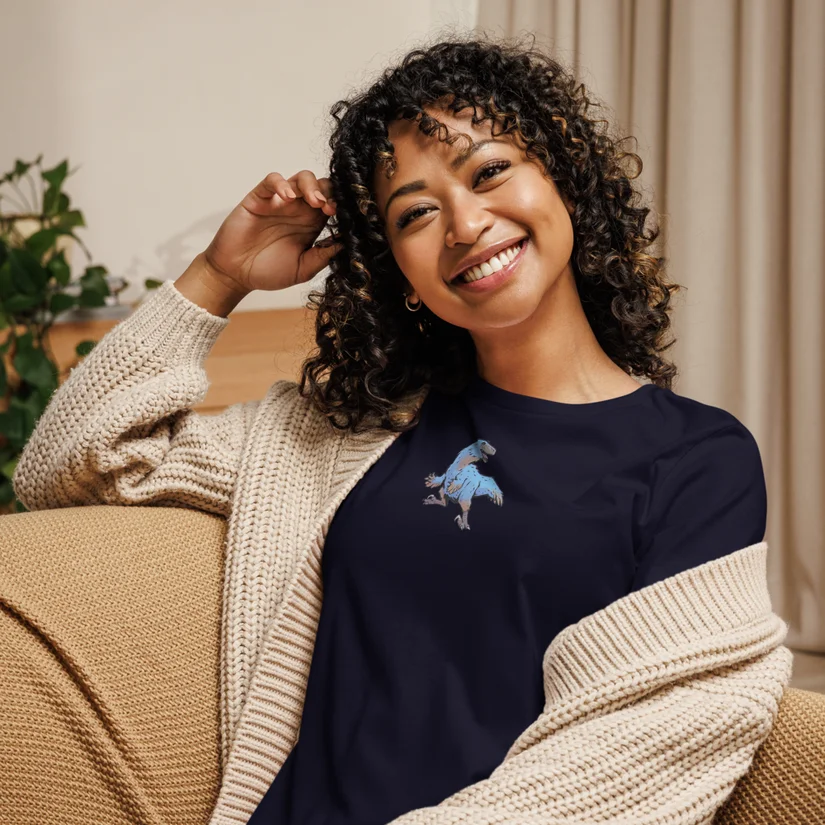
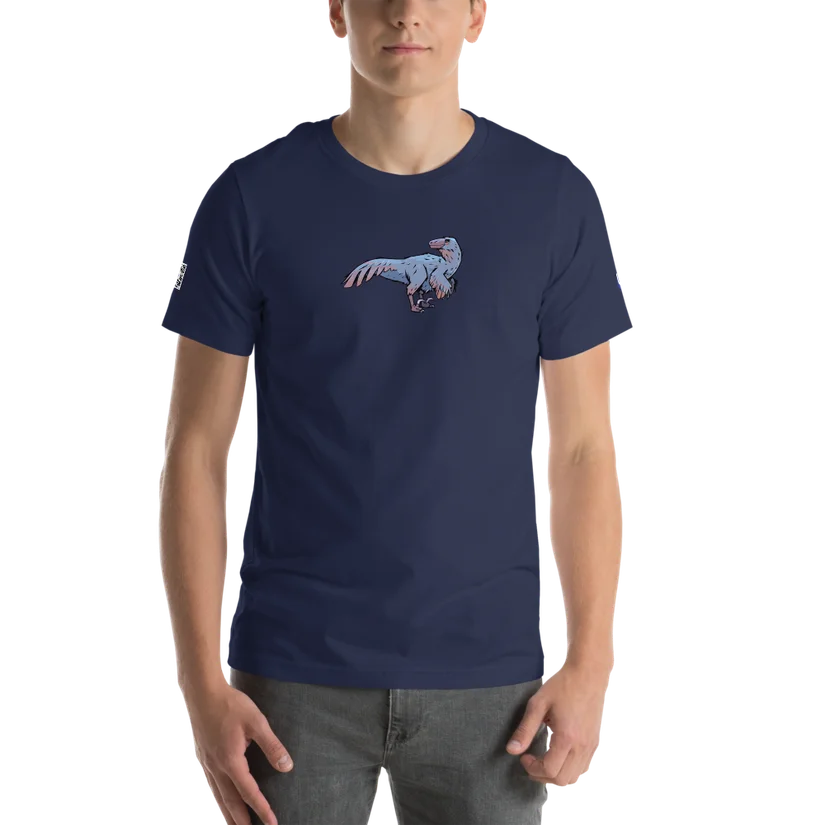
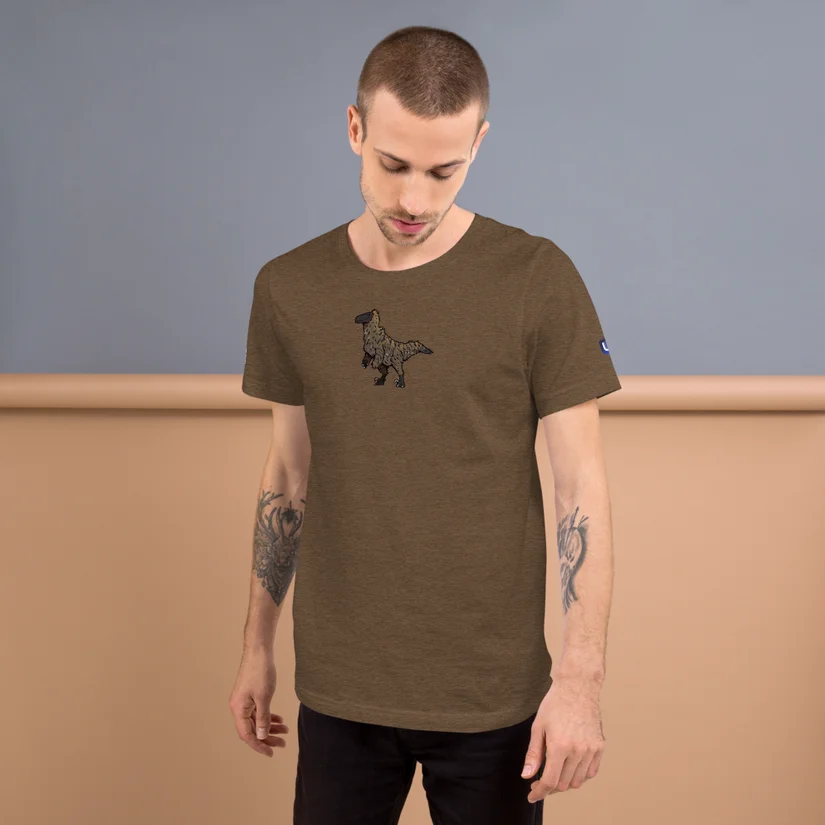
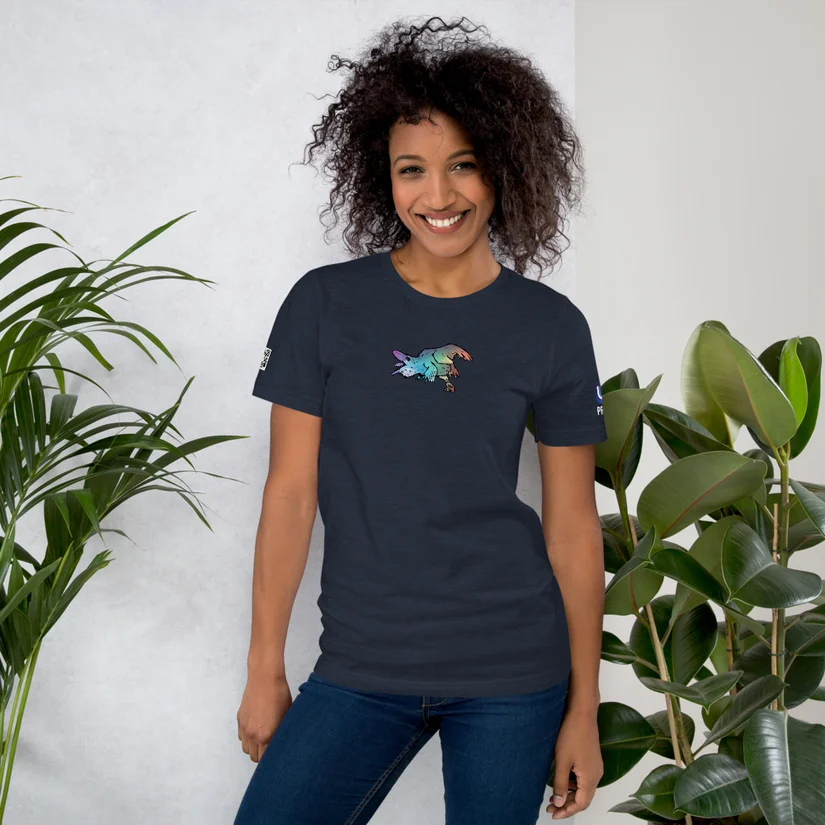
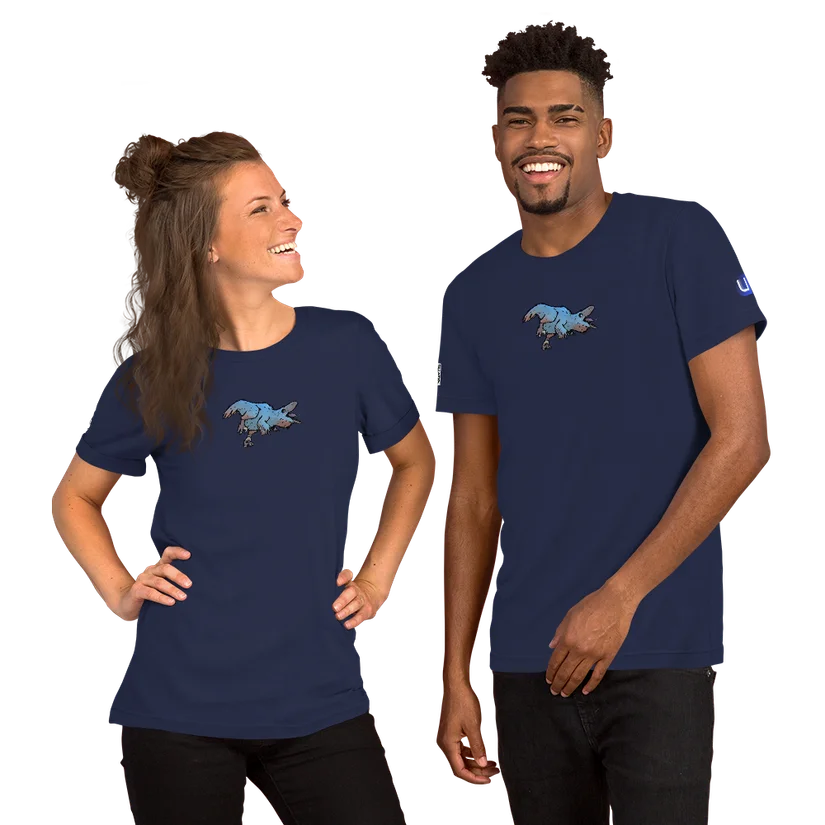
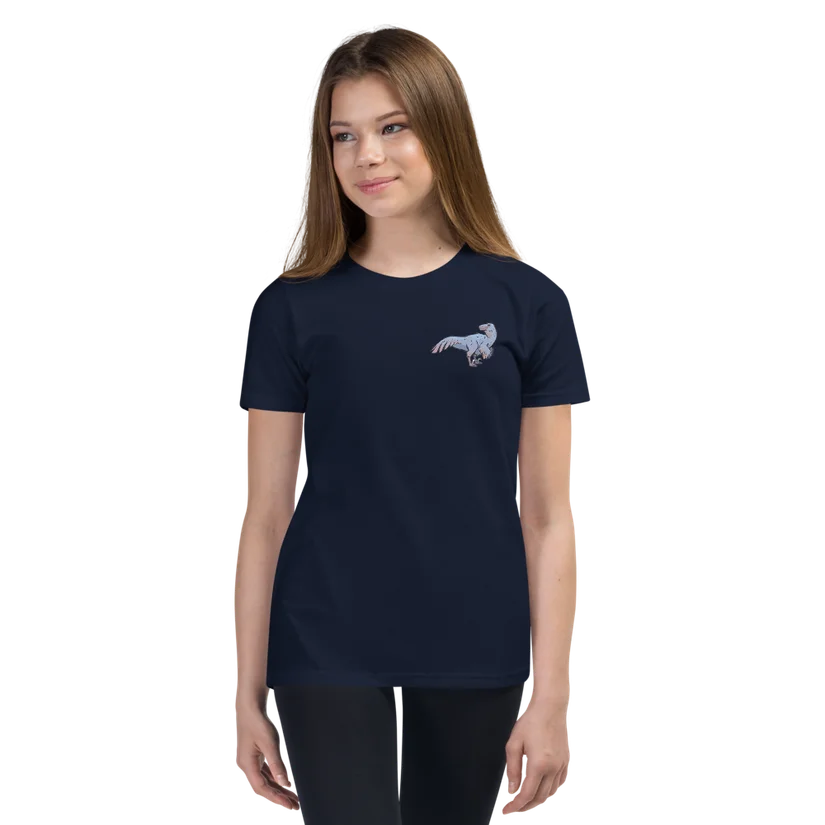
Unfortunately selling outside the US is still a struggle, we'll continue looking at options. Our store is designed to highlight Bluefin's incredible artists! Proceeds from the store fund future artist work. We adjust the prices on all the other items in the store in order to make the kids shirt as cheap as possible. Rawr.
Thanks to our awesome ISO factory we can now deliver fresh ISOs and both Anaconda and Tuna installer suck way less than before. You can find the weekly ISO builds on the Downloads Testing page - these are automatically refreshed weekly. We've also set the timer to auto publish stable releases of the ISOs each month, so you're never too out of date. We're also now publishing torrents of the most popular images. See you tomorrow for part 2 of our series!
Bluefin is a product built by a collection of contributors spanning multiple open source projects. Thanks to all of you who contributed! It feels good to know that the contributor list is such a large part of this announcement.
chore(deps): update system_files/shared/usr/share/gnome-shell/extensions/blur-my-shell@aunetx digest to 18cd0ee by @ubot-7274 in ublue-os/bluefin#4515
chore(deps): update system_files/shared/usr/share/gnome-shell/extensions/blur-my-shell@aunetx digest to 459d7dc by @ubot-7274 in ublue-os/bluefin#4491
chore(deps): update system_files/shared/usr/share/gnome-shell/extensions/blur-my-shell@aunetx digest to 89599d7 by @ubot-7274 in ublue-os/bluefin#4456
chore(deps): update system_files/shared/usr/share/gnome-shell/extensions/blur-my-shell@aunetx digest to 444df60 by @ubot-7274 in ublue-os/bluefin#4445
chore(deps): update system_files/shared/usr/share/gnome-shell/extensions/blur-my-shell@aunetx digest to 399b217 by @ubot-7274 in ublue-os/bluefin#4442
chore(deps): update system_files/shared/usr/share/gnome-shell/extensions/blur-my-shell@aunetx digest to a4c6fab by @ubot-7274 in ublue-os/bluefin#4431
chore(deps): update system_files/shared/usr/share/gnome-shell/extensions/blur-my-shell@aunetx digest to b7a057c by @ubot-7274 in ublue-os/bluefin#4415
chore(deps): update system_files/shared/usr/share/gnome-shell/extensions/blur-my-shell@aunetx digest to 3db2166 by @ubot-7274 in ublue-os/bluefin#4392