Now Roaring on 45

Last month I told you Bluefin wasn't going anywhere. Good news: it didn't! It just had a big lunch. Bluefin Classic is now on Fedora 45, and Bluefin LTS is finally updating again. Grab a coffee, this one's a happy update (with one honest correction, because I owe you that).
Classic: Fedora 45 is here
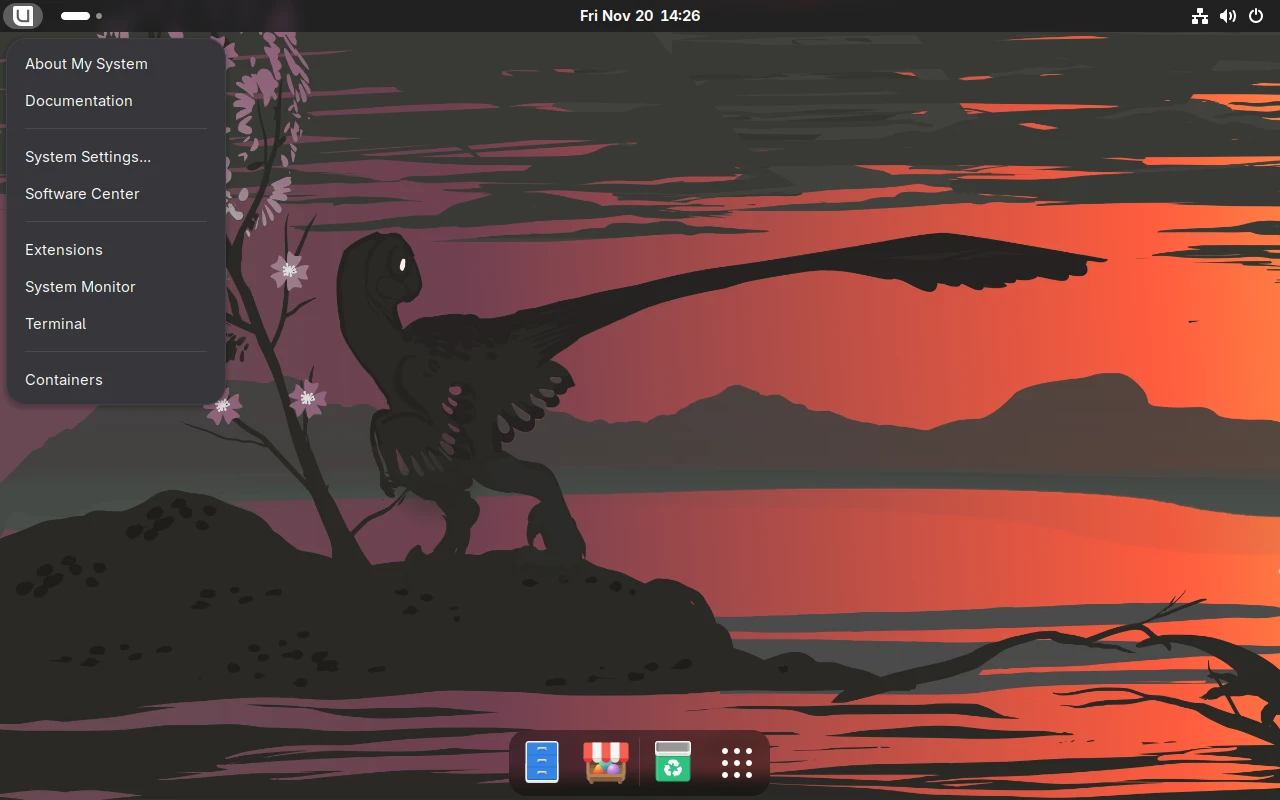
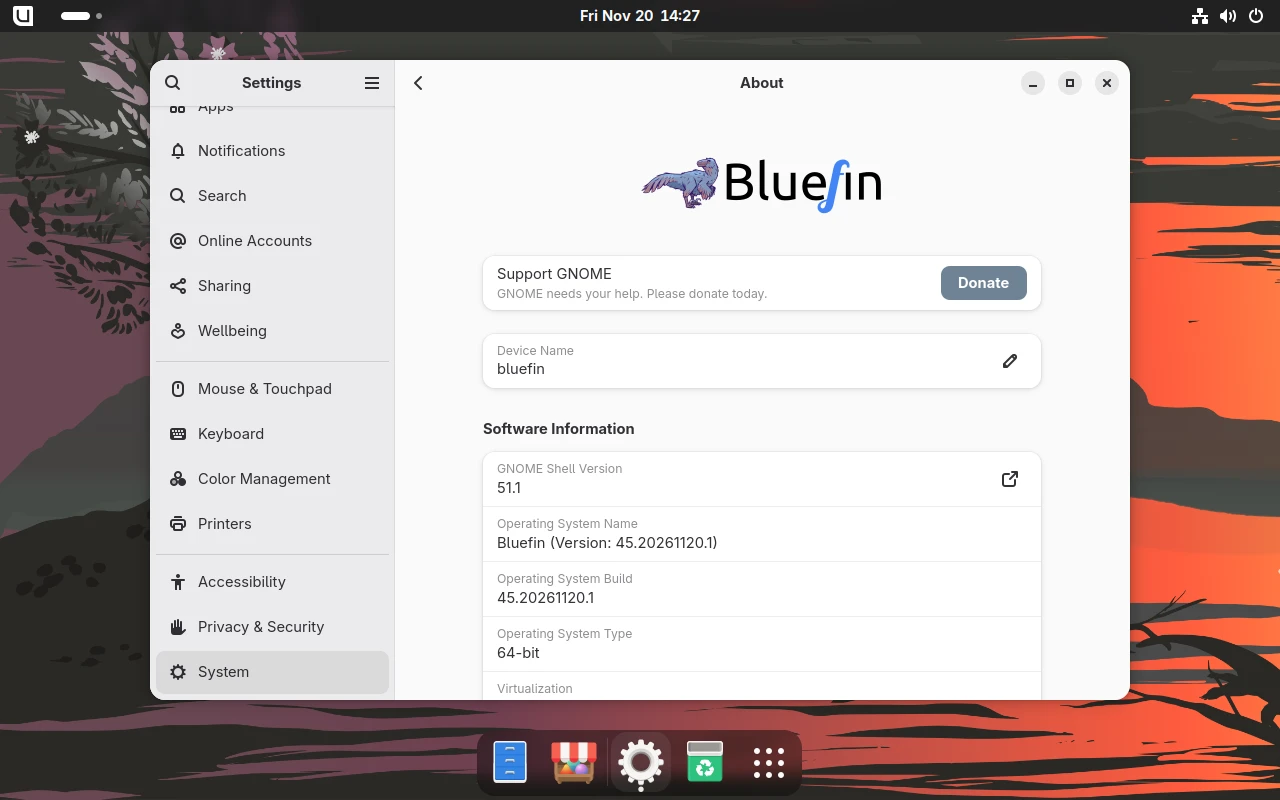
Bluefin Classic :stable and :gts are now on Fedora 45. That's GNOME 51.1 and kernel 7.2.11.
What do you need to do? Same answer as last time: nothing! Your next normal update moves you over. No reinstall, no rebase, no ritual sacrifice to the update gods. If you've been waiting to see if we'd stick the landing, this is it.
Fedora 45 came out a few weeks ago, so why did Classic wait? Classic :stable follows Fedora CoreOS stable, and CoreOS only just moved to 45. The kernel modules (things like ZFS, v4l2loopback and the Xbox controller driver) have to be built for that exact kernel first, and the akmods crew had them ready the day before we shipped. So once CoreOS flipped, we could flip too.
What's new in this one
Besides the jump to Fedora 45, a bunch of small things you asked for landed in the same release:
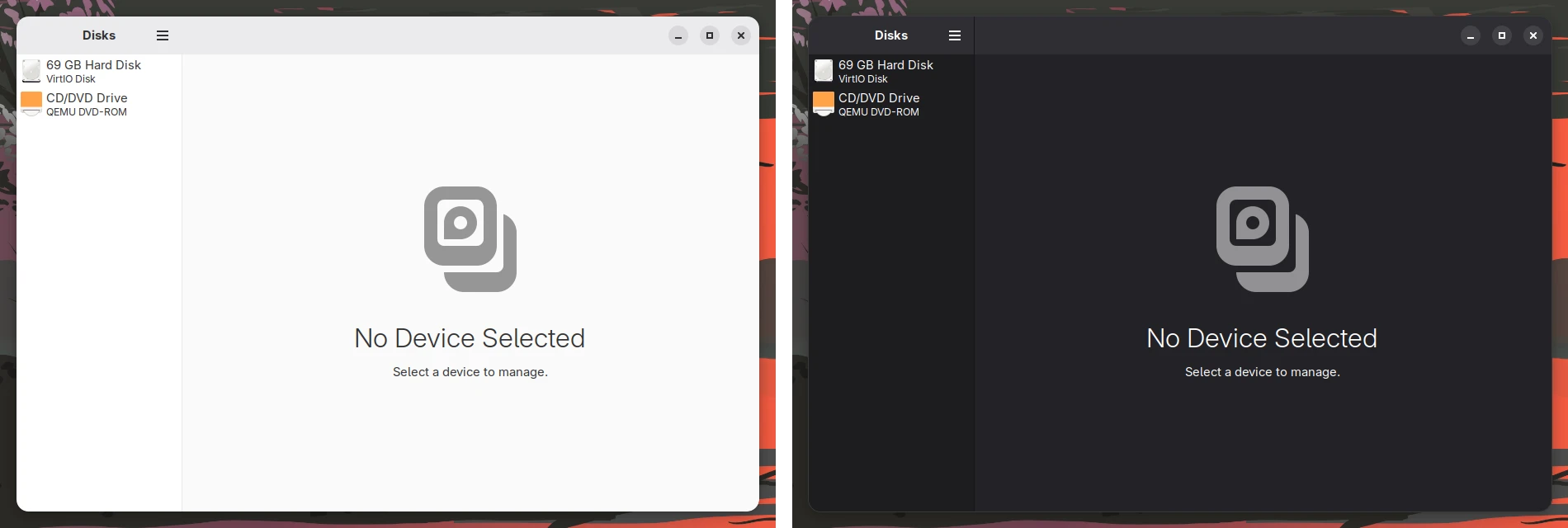
- GTK3 apps finally follow dark mode. Older apps that still use GTK3 used to stay bright white when the rest of your desktop went dark. Now they switch along with everything else, and they switch back too.
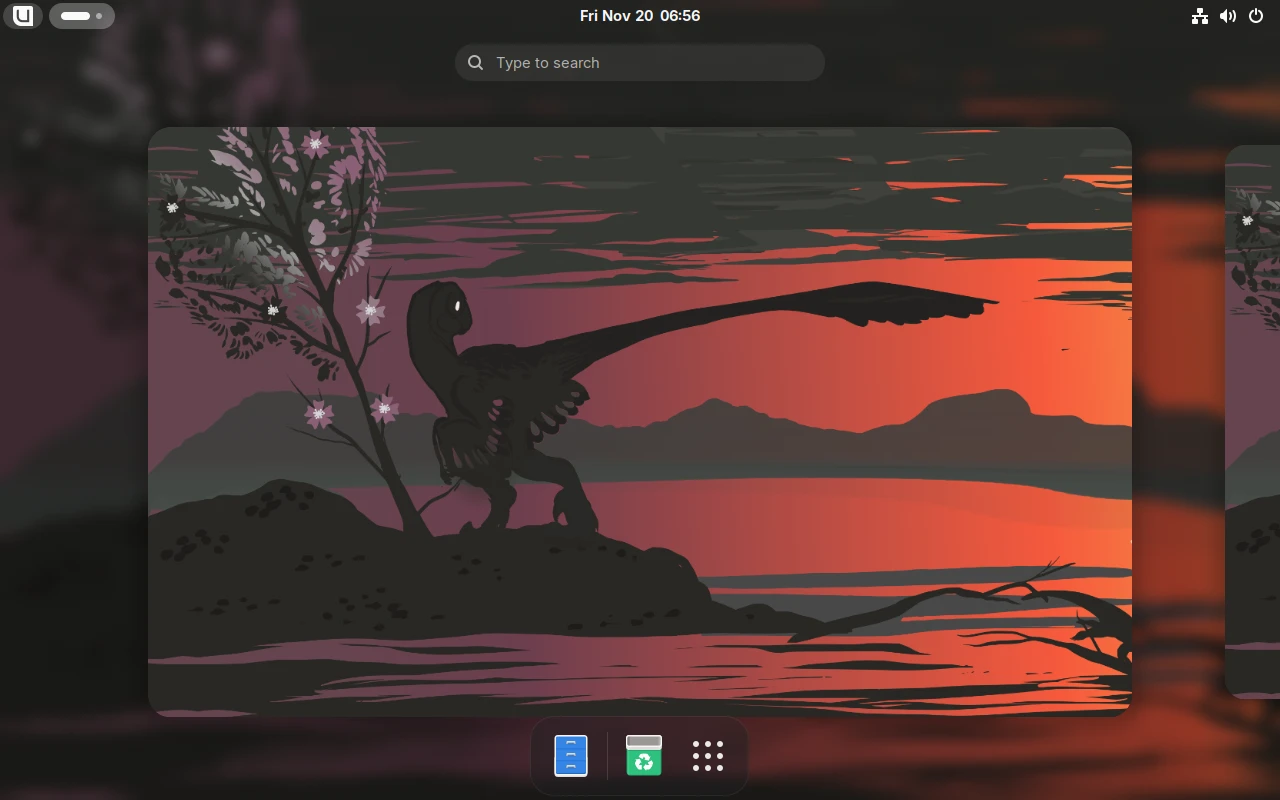
- One system monitor. GNOME System Monitor is gone, and Mission Center is the system monitor. Ctrl+Shift+Esc and the logo menu both open it.
- ChairLift (non-DX images) now comes from Project Bluefin's tap, and it stays off the DX images so it doesn't touch your developer setup.
- Antigravity IDE in the IDE bundle, and Homebrew taps are trusted for new users, so Homebrew 7 stops nagging you.
Two bugs we caught right after release
I'd rather you hear it from me: the first Fedora 45 build had two problems, and we held this post until they were fixed.
- The Bluefin logo menu disappeared. GNOME 51 refuses extensions that don't say they support it, and our copy of the logo menu topped out at GNOME 50. We updated it to the version that supports 51 and kept all the Bluefin bits (Mission Center, DistroShelf, the docs link and the logos).
- VS Code couldn't install extensions on the DX images. Fedora 45 moved to OpenSSL 4, and the tool VS Code uses to check extension signatures only knows about OpenSSL 3. DX images now include Fedora's OpenSSL 3 compatibility libraries, signature checking stays on, and if your extensions didn't install on your first login on 45, they'll install on your next one.
Thanks to everyone who reported them, and a special thanks to the person who filed the logo menu bug within hours.
LTS, the honest part (again)
In my last post I said LTS was moving its home to Project Bluefin. That's not happening. Bluefin LTS is staying right where it's always been, in Universal Blue at ghcr.io/ublue-os/bluefin:lts. I'd rather tell you straight than let that line sit there.
The other honest bit: :lts didn't get an update from July all the way to the middle of November. That's way too long for something with "long term support" in the name, and that's on us. The good news is it's fixed. Since November 16 LTS has been shipping again, and today lts.20261120 is out.
The HWE and GDX images are now on the Fedora 45 kernel (7.2.11), with ZFS and NVIDIA checked and working. Base LTS stays on the CentOS kernel, like always.
Here's what the LTS lineup looks like today:
| Image | Kernel | What's in it |
|---|---|---|
ghcr.io/ublue-os/bluefin:lts | CentOS Stream 10 | Bluefin LTS |
ghcr.io/ublue-os/bluefin:lts-hwe | Fedora CoreOS | Bluefin LTS, newer kernel for newer hardware |
ghcr.io/ublue-os/bluefin-dx:lts | CentOS Stream 10 | Bluefin LTS + developer tools |
ghcr.io/ublue-os/bluefin-dx:lts-hwe | Fedora CoreOS | Bluefin LTS + developer tools, newer kernel |
ghcr.io/ublue-os/bluefin-gdx:lts | Fedora CoreOS | Bluefin LTS + developer tools + NVIDIA |
If you moved to the projectbluefin LTS images
If you followed the earlier plan and switched to ghcr.io/projectbluefin/bluefin-lts:stable, I'm sorry for the detour. Those images stopped updating on October 12 and won't get any newer. Come on home:
sudo bootc switch --enforce-container-sigpolicy ghcr.io/ublue-os/bluefin:lts
systemctl reboot
A few things to know:
- Pick the image that matches what you had. On
bluefin-lts-nvidia? Useghcr.io/ublue-os/bluefin-gdx:lts. Want developer tools? Useghcr.io/ublue-os/bluefin-dx:lts, and after the reboot runujust dx-group. Need a newer kernel for newer hardware? Useghcr.io/ublue-os/bluefin:lts-hwe. - Keep the
--enforce-container-sigpolicypart. It makes sure every update from here on is checked against our signing key. - Your stuff comes with you. Your files, settings, Flatpaks and Homebrew apps all stay. GNOME stays on 50, so the desktop looks the same.
- Plain
:ltsuses the CentOS kernel, which is older than the Fedora kernel the projectbluefin image had. If your hardware needs the newer one, go withlts-hwe. - It's about a 4 GB download and one reboot. If you change your mind,
sudo bootc rollbacktakes you back.
If anything looks weird after switching back, tell us in the discussion linked below and we'll sort it out with you.
What changed under the hood
A few things that should mean fewer surprises from here on out:
- Classic and LTS now carry their own copy of the shared Bluefin config instead of pulling it in from elsewhere. That's what bit Classic with the logo menu bug back in October, so we cut that cord.
- Both images are now in "fix it, don't reinvent it" mode. Updates, fixes and the stuff you report. No big surprise redesigns.
- November had a couple of bumps too. For about a day, Classic updates failed with a signing error because one build went out unsigned, and one LTS build shipped broken firewall packages. Both are fixed, and both got caught because you reported them. Thank you.
- Every release gets booted and poked at in a VM before I tell you about it: GDM, ZFS, NVIDIA modules, the fixes in that release, all of it. That's how we caught the two 45 bugs above before writing this.
What about Dakota and Utah?
Same as last time: neither one is replacing Classic or LTS. If you're happy where you are, stay where you are. Classic and LTS keep getting updates and fixes.
If you're curious, here's the short version:
- Dakota is Bluefin built on GNOME OS, assembled entirely from source. It's the flagship Bluefin desktop: the latest GNOME, systemd-boot with full Secure Boot, optimized builds for modern CPUs, and a gaming session. It's built a totally different way from Classic, so moving to it means a fresh install. I've been spending a lot of my time there lately, helping get systemd-homed home directories set up.
- Utah is Bluefin built on Fedora Hummingbird. It's experimental pre-alpha: it builds, boots and installs, but it's not ready for a machine you care about yet. If you like breaking things and filing bugs, we'd love the help. Fun fact: Utah reused the Classic fix for GTK3 dark mode.
Thank you
Once again, none of this is a one person job:
- Quinn for reviewing and merging pretty much everything I threw their way, at all hours.
- bsherman and inffy for the kernel module work that let Classic jump to 45 the moment CoreOS did.
- Jorge for steering the ship and telling me what not to do (usually right before I did it).
- Danathar and James for picking up my Utah bug report and getting the GTK3 fix in there too.
- Everyone who filed bugs and stuck around while we fixed them.
Where to find us
Questions, bugs, or just want to say hi? Find us in #dev-classic on the Project Bluefin Discord, or in the Classic and LTS discussion on GitHub: Handing off ublue-os/bluefin and bluefin-lts to the next generation.
Fed, watered, and still roaring. 🦖